How to Make an Audiobook
A step by step guide to making an audiobook from your book, with real costs, honest trade offs, and the store rules to know before you start.

In this article
You wrote a book. Now people ask if there is an audio version. Many readers would rather listen while they drive, walk, or cook, and audiobooks keep growing as a way to read.
The good news is that making one is much easier than it used to be. To make an audiobook, you need a final manuscript, a voice to read it, a careful quality check, a square cover, and a place to sell or share it. The voice can be a human narrator, you, or an AI voice. This guide walks you through each step, with real costs, honest trade offs, and the store rules you should know before you start.
1. Check that your book is ready for audio
Before you spend time or money, answer three quick questions.
Do you own the audio rights? If you self published, you almost always do. If a publisher released your book, check your contract. Audio rights are often kept by the publisher, and you cannot make an audiobook without them.
Is the text final? Changing the text after the audio is made means fixing the audio too. Finish your edits first.
Does your book work in audio? Novels, memoirs, business books, and self help books all do well. Books that rely on tables, charts, code, photos, or long footnotes need extra care, because listeners cannot see a page. You can still make them, but you will need to adapt the text (more on that below).
It also helps to know how long your audiobook will be. Most narrators read about 9,000 words per hour. A 60,000 word book is roughly 6 to 7 hours of audio. A 90,000 word book is about 10 hours.
2. Prepare your manuscript for listening
A book written for the eye does not always sound right in the ear. A little prep makes a big difference, especially with AI narration, because an AI voice reads exactly what you give it.
- Lock your final text. Use your last edited version, not an older draft.
- Remove things that only work on a page. Lines like “see the chart below”, “click the link”, or “as shown on page 42” confuse listeners. Rewrite them or cut them.
- Decide what to do with tables, lists, and footnotes. A short table can become a sentence. A long list can be read as a list. Footnotes can move into the text or be left out.
- Write out how things should be said. Spell out symbols, abbreviations, and unusual numbers if they could be read the wrong way. For example, “Dr.” can be read as “Doctor” or “Drive”, and “1984” could be a year or a quantity.
- Make a pronunciation list. Note every name, place, brand, and technical term that could be mispronounced. You will use this list later when you check the audio.
- Add opening and closing credits. Most audiobooks start with the title, author name, and narrator. If the narrator is an AI voice, many stores require you to say so. Close with a short thank you and a pointer to your website.
- Split the book by chapter. Clean chapter breaks make it easy to generate, fix, and upload the audio in pieces.
3. Choose how your book will be narrated
This is the biggest decision, because it sets your cost, your timeline, and where you can sell the book. Here are the four options.
Option 1: Hire a human narrator
A professional narrator brings acting, emotion, and character voices. This is still the best choice for fiction with many characters or a big launch. It is also the most expensive. Experienced narrators commonly charge around $200 to $400 or more per finished hour, so a 10 hour book can cost thousands of dollars before anyone buys a copy.
The other route is a royalty share. On Audible’s ACX marketplace, the narrator is paid from your sales instead of upfront. You split royalties 50/50 with the narrator for seven years, and the book must be exclusive to Audible during that time.
Option 2: Record it yourself
Reading your own book is a great fit for memoirs, personal brands, and nonfiction, because listeners enjoy hearing the author. It costs little in cash, but it costs a lot of time. You need a quiet room, a decent microphone, and editing software. Reading is only the first step. Plan on several hours of recording, editing, and fixing mistakes for every finished hour of audio.
Option 3: Use an AI voice
An AI audiobook generator turns your text into natural sounding speech. It is fast, low cost, and consistent from the first chapter to the last. You can finish a full book in hours or days instead of months, and you can fix a typo without booking a studio session. The trade offs are less acting range than a top human narrator, and different store rules, which we cover below.
Option 4: Use an AI copy of your own voice
Voice cloning gives you a middle path. You record a short sample, and the AI reads the whole book in a voice that sounds like yours. You get the author voice without sitting in a booth for ten hours. On Audiobook Generator, voice cloning comes with the Pro and Studio plans. Only clone your own voice, or a voice you have clear written permission to use.
| Option | Typical cost | Time needed | Best for |
|---|---|---|---|
| Human narrator | Often thousands of dollars, or a royalty share | Weeks to months | Fiction with many characters, big launches |
| Record yourself | Microphone and software, plus a lot of your time | Weeks | Memoir, personal brand, nonfiction |
| AI voice | A small fraction of human narration | Hours to days | Nonfiction, backlist titles, testing the market |
| Cloned voice | Low, with a recording sample from you | Hours to days | Authors who want their own voice without recording the whole book |
4. How to make your audiobook step by step
Here is the simple process for making an audiobook with an AI audiobook generator. The steps are the same for most tools.
- Upload your manuscript. Add your book as a document or paste in the text, chapter by chapter.
- Pick a voice. Listen to the samples before you decide. For nonfiction, a clear, calm, steady voice usually works best. For fiction, look for a warmer voice that fits the mood of your story. Keep the same narrator for the whole book so listeners are not distracted. Some tools, ours included, can also give each character in your dialogue a voice of their own. If you want your own voice, record your sample now.
- Fix the tricky words. Use your pronunciation list to correct names, places, and terms. If a tool lets you spell a word the way it should sound, use that.
- Check chapters and credits. Make sure each chapter starts and ends cleanly and that your opening and closing credits are in place.
- Generate the audio. Create the full book, or one chapter first as a test. Starting with a single chapter is a smart way to catch problems early.
- Listen and fix. Play it back on headphones, mark any problems, and redo only those sections.
It is a truth universally acknowledged, that a single man in possession of a good fortune, must be in want of a wife.
“My dear Mr. Bennet,” said his lady to him one day, “have you heard that Netherfield Park is let at last?”
Mr. Bennet replied that he had not.
- Export your files. Download the finished audio in the format your store needs, usually MP3 or WAV files, one per chapter.
5. Check the quality before you publish
This step is the one authors skip most, and listeners notice when it is skipped. Plan to listen to the whole audiobook at least once. For the first couple of chapters, follow along with the written text so you can spot every mistake.
Here is what to listen for:
- Names and places said the wrong way.
- Numbers, dates, and acronyms that sound odd or get read incorrectly.
- Words with two pronunciations, such as “read”, “lead”, or “live”, read the wrong way for the sentence.
- Odd pauses or rushed sentences, especially around lists, quotes, and dialogue.
- Volume that jumps from one chapter to the next.
- Missing or repeated lines at the start or end of a chapter.
A fresh pair of ears helps. Ask a friend or a reader from your audience to listen to the first chapter and tell you if anything sounds off. Pay extra attention to the first five minutes, because that is what most stores use as a free sample.
6. Get your files and cover ready
Every store has its own technical rules, so read them before you export. In general, plan for these basics:
- Audio files: usually MP3 or WAV, with one file for each chapter, plus opening and closing credits.
- A retail sample: a short clip, often about five minutes, that shoppers can play before they buy.
- A square cover: audiobook covers are square, not tall like a book cover. Make it 3000 x 3000 pixels, the size Apple Books asks for, and it will work on every store. Make sure the title is readable when the image is tiny.
- Metadata: title, author, description, categories, language, and (where required) a clear note that the narration is digital.
- An ISBN: some stores ask for one and some do not. Check each store’s rules.
7. Where to publish your audiobook
This is where the choice you made in step 3 really matters. Stores treat human narration and AI narration differently, and the rules change often. Here is where things stand as of October 2026, from each store’s own help pages. For the full comparison, see the 8 best places to sell audiobooks.
| Where | Human narration | AI narration | Good to know |
|---|---|---|---|
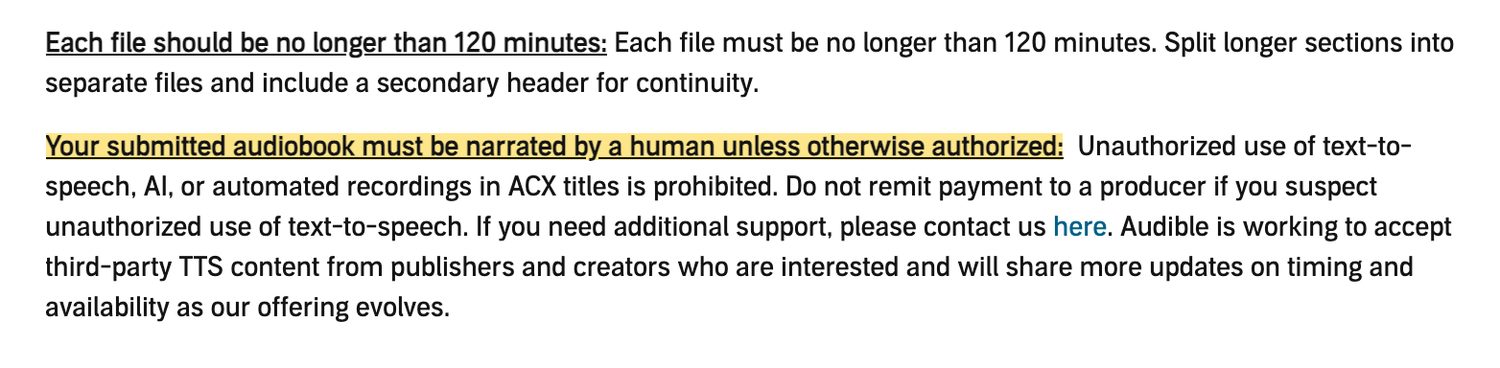
| Audible through ACX | Yes | No. ACX requires human narration unless Audible authorizes otherwise | The new royalty model pays 50% exclusive or 30% non-exclusive. Exclusive means you cannot sell elsewhere, and the term is seven years. |
| Amazon Virtual Voice (KDP) | Not applicable | Amazon makes the AI audio itself from your Kindle ebook | An invite-only beta in the US at the time of writing. |
| Spotify for Authors | Yes | Yes, with a digital voice label on the listing | Free and non-exclusive. Digital voice titles are not shared with its referral partners, so they stay on Spotify. |
| Google Play Books | Yes | Yes, labeled “Synthesized voice” | Direct audiobook selling is open to select publishers in 12 countries. Google also offers its own auto narration. |
| Apple Books | Yes | Yes, if the narrator field and description say so | Only through a distributor, such as PublishDrive. Apple also has its own digital narration. |
| Kobo Writing Life | Yes | Yes, with the narrator listed as a synthesized voice | Pays 45% at $2.99 or more. The audiobook tool may need switching on by email. |
| Voices by INaudio (wide distribution) | Yes | Only files made with Google Play Books, ElevenLabs or Spoken Press | Formerly Findaway Voices. Reaches many stores and libraries. Misreporting AI audio as human can get a book removed. |
| Your own website (Gumroad, Shopify, Payhip) | Yes | Yes | You set the price, keep most of the sale, and own the customer relationship. |

How to decide
- Audible is your main goal: use human narration, or look at Amazon’s own program.
- You want to test the market cheaply and keep your rights: use an AI voice, and publish to Spotify, Google Play, Kobo, Apple Books and your own site.
- You want to start now and upgrade later: publish an AI version first. On Spotify, you can replace digital narration with a human version later, and the AI disclosure comes off.
- You want your own voice everywhere: record yourself, or use a cloned voice and check which stores accept it.
One more rule matters on every platform: be honest. If your audiobook uses an AI voice, say so. Readers respect it, and stores can remove titles that hide it.
8. How to promote your audiobook
An audiobook will not sell itself, but promoting it is simple. Start with the readers you already have. For the full plan, see how to promote your audiobook.
- Add it to your book pages. Put the audio link in your ebook description, your website, and the back pages of your ebook.
- Put a QR code in your print book. It sends readers straight to a sample or a store page.
- Email your list. Your existing fans are the most likely first listeners. Offer a free sample chapter.
- Share short clips. A 30 to 60 second clip of a great passage works well on social media.
- Ask for reviews. Early listener reviews help new buyers decide.
- Mention it everywhere. Add it to your author bio, podcast guest pages, and email signature.
9. 7 common mistakes to avoid
- Editing the text after recording. Lock the manuscript first.
- Skipping the pronunciation check. One wrong name repeated 200 times is hard to forgive.
- Choosing a voice that does not fit the book. Always test samples with a real chapter.
- Not telling listeners about AI narration. Disclose it where stores ask for it.
- Ignoring store rules until the end. Pick your publishing route before you pick your tool.
- Skipping the full listen. Do not trust the file until you have heard it.
- Using a weak cover. Test your cover at thumbnail size.
FAQ
How long does it take to make an audiobook?
With an AI voice, most authors can finish in a few hours to a few days, including time to listen and fix mistakes. Recording yourself usually takes weeks. Hiring a human narrator often takes weeks to months, depending on their schedule.
How much does it cost to make an audiobook?
It depends on the route. Experienced human narrators commonly charge around $200 to $400 or more per finished hour, so a full book can cost thousands of dollars. A royalty share on ACX has no upfront cost but gives up half of your royalties for seven years. AI narration costs a small fraction of human narration. For a full breakdown, see how much it costs to make an audiobook.
Can I use my own voice?
Yes. You can record the whole book yourself, or record a short sample and use voice cloning so an AI reads the rest in a voice like yours. Only clone your own voice, or one you have written permission to use.
Do I need permission to make an audiobook from my book?
If you wrote and self published the book, you almost always hold the audio rights. If a publisher released it, check your contract first, because audio rights are often kept by the publisher.
Can I sell an AI narrated audiobook on Audible?
Not through ACX, which requires human narration unless Audible authorizes otherwise. Amazon’s own Virtual Voice can narrate some Kindle ebooks, as an invite-only beta in the US. Spotify, Google Play, Apple Books and Kobo accept AI narration when you disclose it.
Will listeners know the narrator is an AI?
On many stores, yes. Spotify, for example, adds a line to the description saying the audiobook uses digital voice narration. Being open about it is the safest and most honest choice.
Do I need an ISBN for my audiobook?
Not everywhere. Some stores and distributors ask for one and others do not. Check the rules of each store where you plan to publish.
Ready to hear your book?
Making an audiobook comes down to four decisions: who reads it, how you prepare the text, how you check the result, and where you publish it. Get those right and you can go from finished manuscript to finished audiobook in days, not months.
If you want to hear your book out loud, try Audiobook Generator. Upload your manuscript, pick a voice, and listen to your first chapter free.
Philip Ghezelbash is the founder of Audiobook Generator and the author of The Stoic Body, which has sold over 10,000 copies on Amazon. He writes about making, publishing and selling audiobooks.
Keep reading
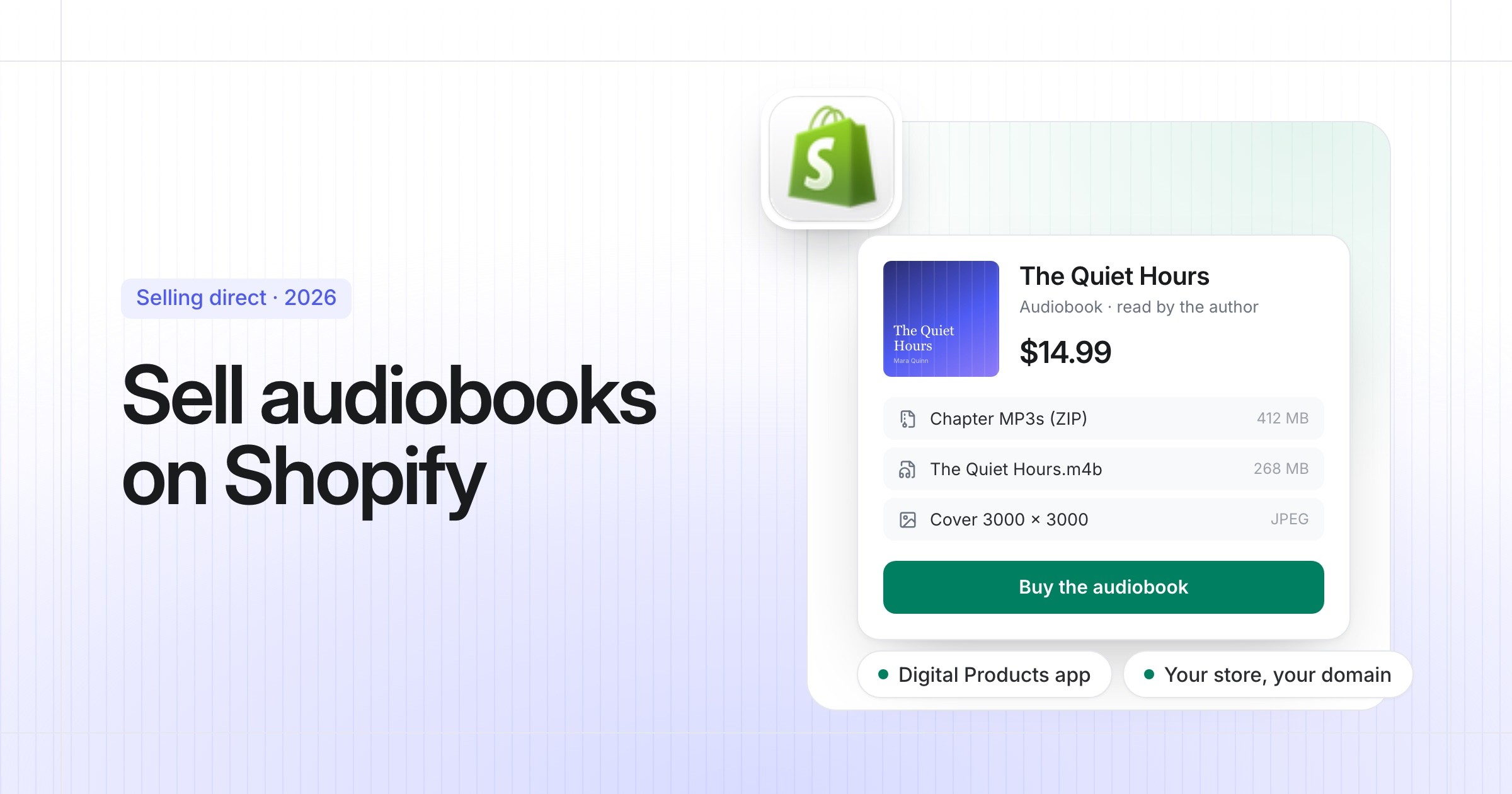
How to Sell Audiobooks on Shopify
Turn your Shopify store into an audiobook shop: the free Digital Products app, file limits, delivery, tax and the apps worth knowing.
Philip Ghezelbash··7 min read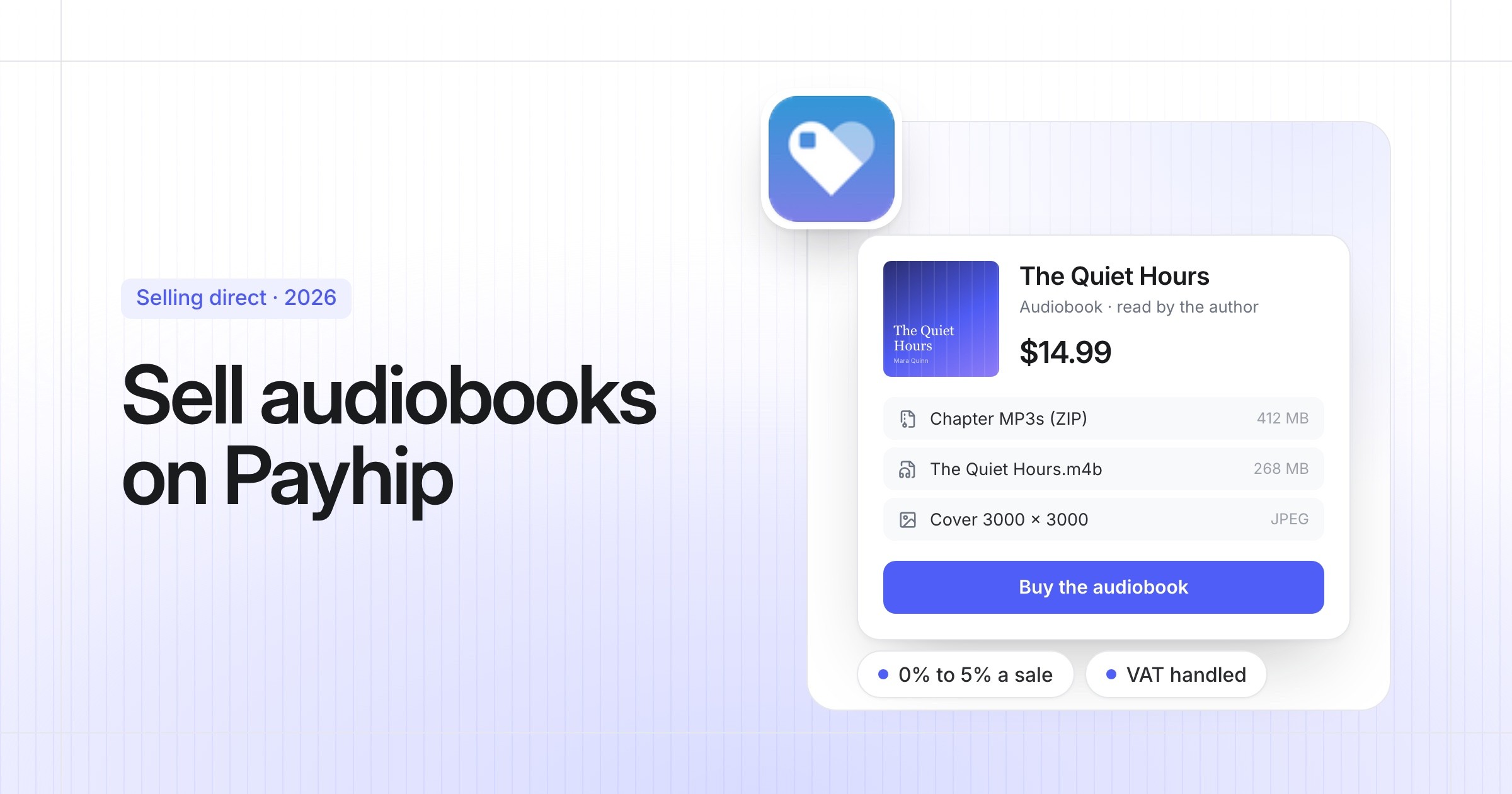
How to Sell Audiobooks on Payhip
A simple store for your audiobook with audio previews and tax handled: setup, files, pricing and fees, step by step.
Philip Ghezelbash··7 min read
How to Sell Audiobooks on Gumroad
Sell your audiobook straight to readers from a Gumroad page: setup, files, pricing, fees and tax, step by step.
Philip Ghezelbash··7 min read