How to Publish an Audiobook on Kobo
Getting your audiobook onto Kobo step by step, from switching on the audiobook tool to pricing, royalties and AI narration.

In this article
Kobo is a big audiobook store in Canada, Australia and Europe, and it reaches readers in over 200 countries. To publish an audiobook on Kobo, sign up for Kobo Writing Life, ask Kobo to switch on the audiobook tool if you don’t see it, then create a new audiobook, add your details, cover and MP3 files, set your prices and publish. Kobo says it’s live in 24 to 72 hours.
Kobo is free, never exclusive, and accepts AI narration. This guide covers each step, the file rules, and how Kobo pays.
Before you start
- A Kobo Writing Life account. It’s free. Authors in Japan use Rakuten Kobo Writing Life instead.
- The audiobook tool. Kobo says it’s “being rolled out slowly and is not yet active on all accounts”. If you don’t see an Audiobooks tab, email writinglife@kobo.com with a list of the audiobooks you want to upload, including the title, author and plot summary.

- No duplicate listings. If your audiobook is already on Kobo through a distributor, remove it there first.
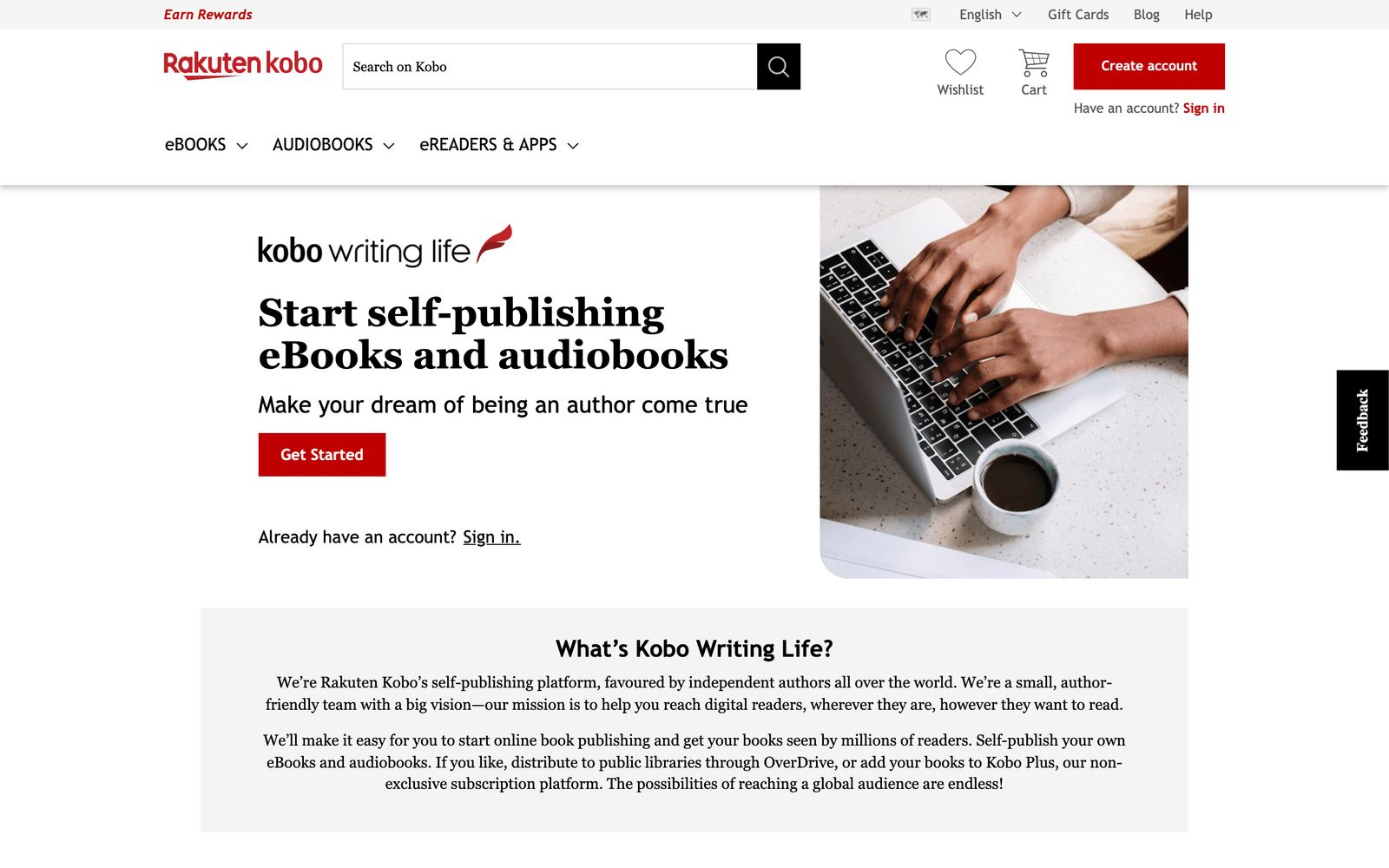
How to publish your audiobook on Kobo, step by step
1. Create a new audiobook
Open the Audiobooks tab and click Create new Audiobook.
2. Add your details
Enter the title, subtitle and series, then the contributors: the author and the narrator. Add your synopsis, publisher name, publication date and release date. An audio ISBN is optional; Kobo can assign one for you.
3. Choose your language and categories
Pick the language, whether it’s abridged or unabridged, and up to three categories.
4. Upload your cover
Upload a square PNG or JPEG of at least 600 × 600 pixels and no more than 5 MB. If it isn’t square, Kobo adjusts it.
5. Upload your audio and set the table of contents
Upload your MP3 files, one per chapter, and set the chapter order and titles. Add a sample file too: one MP3 of 200 MB or less, with no spoilers or explicit content.
6. Set your rights and prices
Choose where you hold the rights, then set a price in each currency.
7. Publish
Click Publish. Kobo says your audiobook will be live in 24 to 72 hours.
Kobo audiobook file rules
| What | Kobo’s rule |
|---|---|
| Audio | MP3 only |
| File size | Up to 200 MB per file, 2 GB in total |
| Quality | Kobo compresses most audio to 64 kbps when it’s uploaded |
| Sample | One MP3 of 200 MB or less |
| Cover | Square PNG or JPEG, 600 × 600 px or more, up to 5 MB |
Because Kobo compresses your audio, upload good-quality MP3s, such as the 192 kbps files other stores ask for, and let Kobo handle the rest.
AI narration on Kobo
Kobo accepts AI-narrated audiobooks. Its audiobook FAQ says: “Yes, we do. If you do use AI narration for your audiobook, we simply ask that you indicate this in your metadata by listing your narrator contributor as ‘Synthesized Voice,’ ‘Female Synthesized Voice,’ or ‘Male Synthesized Voice’.”

Kobo’s pages spell the labels slightly differently (“Synthesised voice - female” on one, “Female Synthesized Voice” on another), so pick whichever your dashboard offers. Kobo also asks you to say so in your description, for example: “This audiobook is read by a digital voice.”
Pricing and royalties on Kobo
Your price. You set it in each currency, from $0.99 to $28 in US dollars (£0.99 to £20, €0.99 to €25). You can also make your audiobook free. Price changes go live within 24 hours.
Your royalty.
| How it sells | What you earn |
|---|---|
| Sale at $2.99 or more | 45% of list price |
| Sale under $2.99 | 35% of list price |
| Kobo’s audio subscription (paid tokens) | 32% |
| Kobo Plus (optional) | A share of the pool, paid per minute listened |
Every Kobo audiobook is part of Kobo’s token-based audio subscription, and you can’t opt out. You can also opt into Kobo Plus, which shares 60% of its monthly revenue across all the minutes listened.
Payments. Kobo pays 45 days after the end of each month, once you’ve earned at least CAD $50.
Libraries. Kobo doesn’t send audiobooks to libraries at the moment. For libraries, use a distributor.
Before you upload: a checklist
- The Audiobooks tab is on your account, or you’ve emailed Kobo to switch it on.
- MP3 files, one per chapter, each under 200 MB and under 2 GB together. Split any chapter that’s bigger.
- A sample MP3 without spoilers or explicit content.
- A square cover of at least 600 × 600 pixels and under 5 MB. A 3000 × 3000 JPEG works here and on every other store.
- Your synopsis, publisher name, publication date and release date.
- Contributors: the author and the narrator (a synthesized voice label for AI).
- Prices in each currency you want to sell in.
How to write your Kobo listing
Synopsis. Kobo shows your synopsis on the audiobook’s page, so open with the hook and keep paragraphs short. If the narration is AI, add a line such as “This audiobook is read by a digital voice.”
Categories. Kobo recommends choosing three. Pick the most specific ones that fit, so your book sits with the right readers.
Series. Fill in the series name and number. It links your audiobooks together on Kobo and helps listeners find the next book.
Pricing strategy on Kobo
- Price at $2.99 or more. Below that, your royalty drops from 45% to 35%.
- Set each currency yourself. Kobo lets you price in each currency, so choose round, local prices rather than converted ones like CA$13.47.
- Use free carefully. A free first book in a series can bring listeners to the rest, but it earns nothing on its own.
- Change prices any time. Kobo has no scheduled sales for audiobooks, but changes go live within 24 hours, so you can run a short promotion by hand.
Should you opt into Kobo Plus?
Kobo Plus is Kobo’s optional all-you-can-read-and-listen subscription in 34 countries, including the US, UK, Canada and Australia. It pays per minute listened, from a shared pool.
- Opt in if your audiobook is long, part of a series, or new to readers: subscribers try books they wouldn’t buy, and long books earn more minutes.
- Stay out if most of your sales come from full-price buyers who might borrow instead.
Either way, every Kobo audiobook is also in Kobo’s token-based audio subscription, which you can’t leave.
Troubleshooting
There’s no Audiobooks tab. It isn’t on every account yet. Email writinglife@kobo.com with the title, author and plot summary of each audiobook.
A file won’t upload. Kobo only takes MP3, up to 200 MB per file. Convert other formats to MP3 and split long chapters.
My book shows up twice. It’s probably also coming from a distributor. Remove it from the distributor’s Kobo channel so only one copy stays.
It isn’t live after three days. Kobo says it takes 24 to 72 hours. If it’s been longer, contact Kobo Writing Life support.
FAQ
How do I publish an audiobook on Kobo?
Sign up for Kobo Writing Life, open the Audiobooks tab (or email Kobo to switch it on), click Create new Audiobook, add your details, cover and MP3 files, set your prices and publish. It’s live in 24 to 72 hours.
Does Kobo accept AI-narrated audiobooks?
Yes. List the narrator as a synthesized voice, such as “Synthesized Voice” or “Female Synthesized Voice”, and mention it in your description.
How much does Kobo pay for audiobooks?
45% of your list price when it’s $2.99 or more, and 35% below that. Subscription listening pays 32% of paid tokens, and Kobo Plus pays a share of its pool per minute listened.
Why can’t I see the audiobook tab on Kobo Writing Life?
Kobo is still rolling it out. Email writinglife@kobo.com with the title, author and plot summary of each audiobook you want to upload, and Kobo will switch it on.
Is Kobo exclusive?
No. Kobo never asks for exclusivity, so you can sell the same audiobook anywhere else.
Can I get my Kobo audiobook into libraries?
Not through Kobo Writing Life. Kobo doesn’t send audiobooks to libraries at the moment. To reach libraries, use a distributor that delivers to them, and don’t send the same book to Kobo twice.
How long does Kobo take to publish an audiobook?
Kobo says audiobooks go live in 24 to 72 hours after you click Publish, and price changes within 24 hours.
What audio files does Kobo accept?
MP3 only, up to 200 MB per file and 2 GB for the whole audiobook.
Ready to publish?
Kobo is free, simple and open to AI narration, and it reaches readers far beyond the US. Add it to the other places you can sell, and if you need your audiobook made, our AI audiobook generator makes MP3 files ready for Kobo, with your first chapter free.
Philip Ghezelbash is the founder of Audiobook Generator and the author of The Stoic Body, which has sold over 10,000 copies on Amazon. He writes about making, publishing and selling audiobooks.
Keep reading
How to Sell Audiobooks on Shopify
Turn your Shopify store into an audiobook shop: the free Digital Products app, file limits, delivery, tax and the apps worth knowing.
Philip Ghezelbash··7 min read
How to Sell Audiobooks on Payhip
A simple store for your audiobook with audio previews and tax handled: setup, files, pricing and fees, step by step.
Philip Ghezelbash··7 min read
How to Sell Audiobooks on Gumroad
Sell your audiobook straight to readers from a Gumroad page: setup, files, pricing, fees and tax, step by step.
Philip Ghezelbash··7 min read