How to Sell Audiobooks on Gumroad
Sell your audiobook straight to readers from a Gumroad page: setup, files, pricing, fees and tax, step by step.

In this article
Gumroad is the fastest way to sell your audiobook directly to readers. There’s no store to build and no monthly fee. To sell an audiobook on Gumroad, create a Digital product, upload your chapter MP3s as a ZIP plus your M4B file, add a square cover and description, set your price, and publish. Buyers get an email with a link to download it straight away.
Selling direct means you keep more of each sale and you get your listeners’ emails. This guide covers the setup, the files, the fees and the tax, step by step.
What Gumroad costs
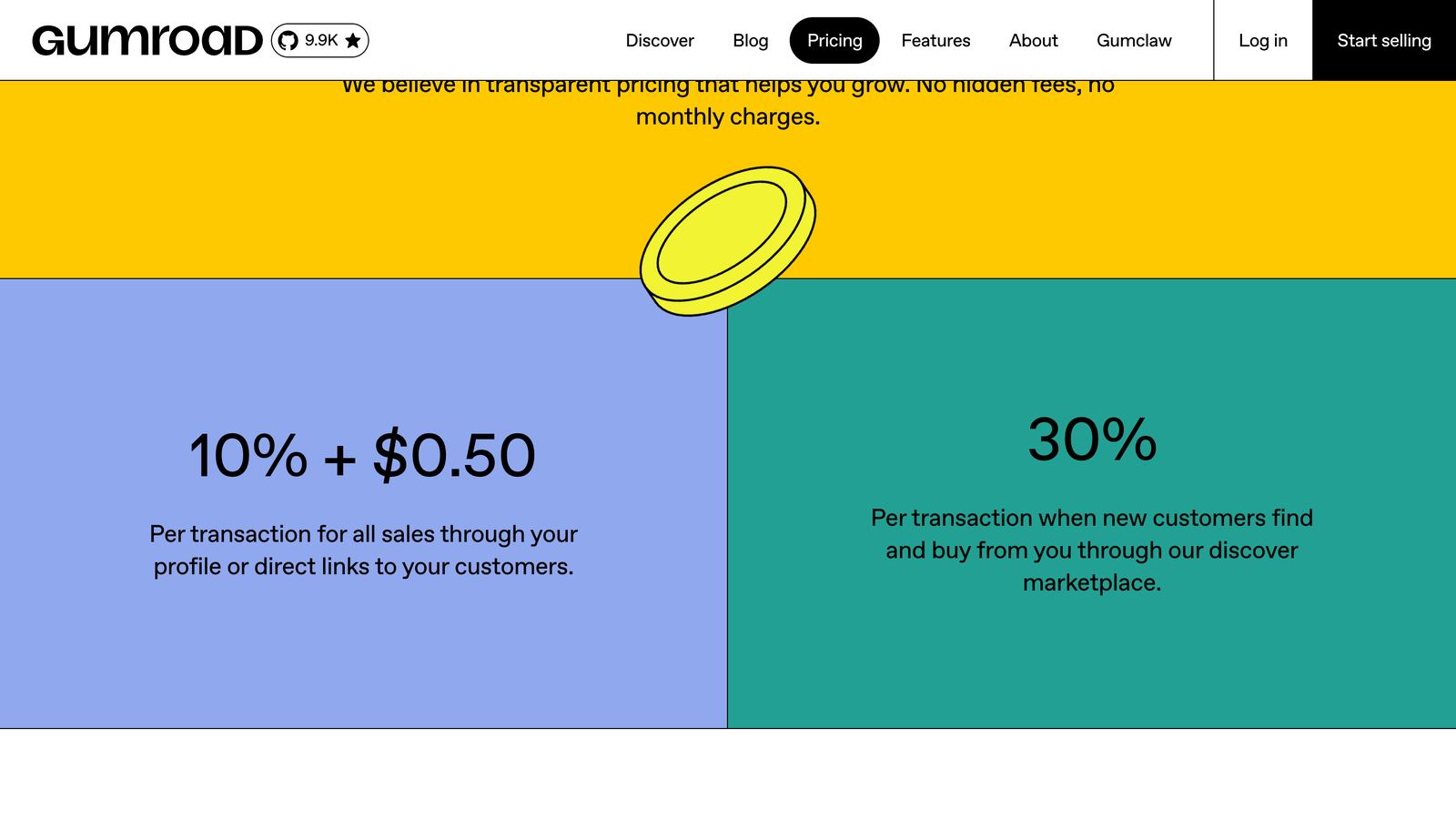
- Direct sales (from your own links and profile): 10% + $0.50 per sale, plus card processing (2.9% + $0.30) or PayPal fees.
- Discover sales (when buyers find you on Gumroad’s marketplace): 30%, with processing included.
- High volume: once you pass $20,000 of sales in a month, direct sales for the rest of that month cost 5% + $0.50.
On a $15 audiobook sold from your own link, you keep about $12.27.
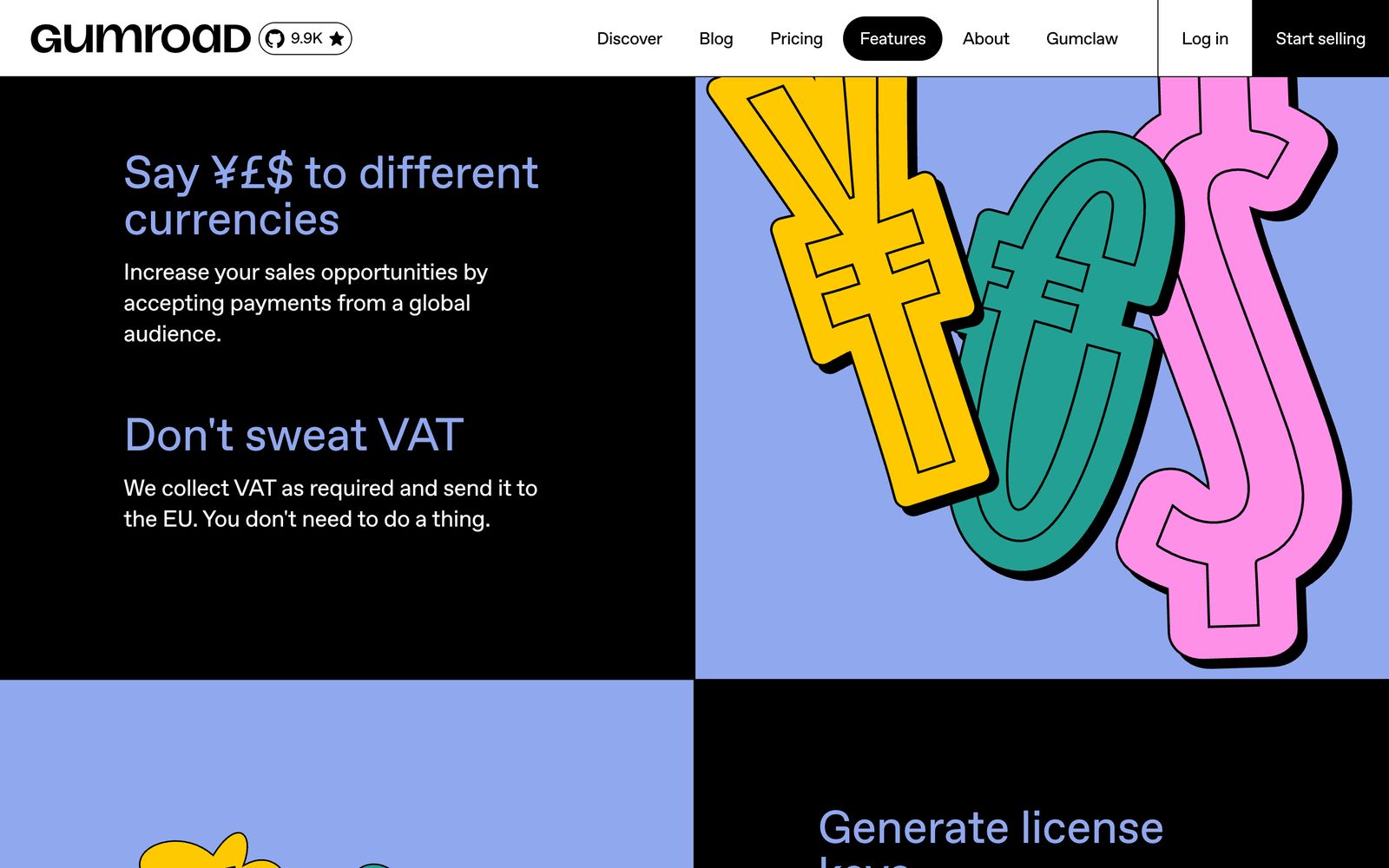
Tax. Since January 2025, Gumroad is the merchant of record for every sale. It collects and pays sales tax and VAT around the world, so you don’t have to register for VAT to sell to European readers.
Payouts. Gumroad pays to a bank account in about 120 countries, or PayPal elsewhere, once you’ve earned $100. New accounts are reviewed for one to three weeks before the first payout.
How to sell your audiobook on Gumroad, step by step
1. Get your files ready
Gather your finished audiobook:
- Chapter MP3s, zipped into one file, so buyers can play them anywhere.
- The M4B, one file with chapter marks, for listeners who use an audiobook app.
- Your square cover, for the product page.
Zip the MP3s so the product stays easy to download. Gumroad only shows the “Download all” button when the whole product is under 500 MB, and audiobooks are usually bigger.

2. Create a product
In your Gumroad dashboard, click New product and choose Digital product. Gumroad has no audiobook type, but this one works for any files.
3. Add your files
On the Content tab, upload your ZIP and your M4B. Each file can be up to 20 GB on products priced above $0.99. You can add a short note on the content page explaining which file to use: the ZIP for any player, the M4B for audiobook apps.
4. Add your cover and description
Upload your cover. Gumroad shows covers in their own shape, so a square audiobook cover looks right. Also add a thumbnail of at least 600 × 600 pixels, which appears in buyers’ libraries and on Discover.
Write a description that sells: what the book is about, the length, who narrates it, and what files buyers get. If you have a short audio clip, embed it so people can hear the narration.
5. Set your price
Type a price, or add a “+” for pay what you want (for example, “$9+”) with a suggested price. You can also create discount codes for launches and newsletter readers.
6. Publish and share
Publish the product and share its link in your newsletter, on your website, in your ebook’s back pages and on social media.
How buyers get their audiobook
After paying, buyers get an email receipt with a View content button that opens the download page. They don’t need an account. If they make one with the same email, the purchase appears in their Gumroad library, and the Gumroad app can play MP3 files. The app doesn’t list M4B, which is another reason to include the MP3s.
Gumroad doesn’t add DRM. Download links are unique to each buyer, and Gumroad watches for unusual activity.
Make delivery easier with BookFunnel (optional)
If you want buyers to listen in an app without handling files, BookFunnel connects to Gumroad and delivers your audiobook to its own listening app, with a player in the browser too. It needs a paid BookFunnel plan with its audio add-on, and it only takes MP3 files of at least 192 kbps.
How to write a product page that sells
On your own page there’s no store to vouch for you, so the page has to do the selling.
- Lead with the promise. One line on what the book is and who it’s for, before anything else.
- Let them hear it. Embed a short clip or a link to your sample. A minute of narration sells an audiobook better than any description.
- Say exactly what they get. For example: “12 hours, 38 chapters. Includes a ZIP of chapter MP3s for any device and one M4B file for audiobook apps.”
- Name the narrator. Your name, a narrator’s, or “narrated by an AI voice”. Being upfront avoids refunds and bad reviews.
- Show your cover large. The square audiobook cover works well as Gumroad’s cover image.
- Add social proof. A line from a review, or how many readers your ebook has, builds trust fast.
Pricing ideas
- Price below the big stores. You keep about 82% of a $15 sale on Gumroad, more than most stores pay, so you can charge less than Audible and still earn more per copy.
- Pay what you want for launches. A “$9+” price with a suggested $14 lets fans pay more, and still welcomes new readers.
- Discount codes for your list. A 20% code for newsletter readers in launch week rewards your most loyal readers.
- Offer a companion PDF. If your book has maps, charts or a reading guide, add a PDF to the same product. It’s a reason to buy direct.
Should you use Gumroad Discover?
Discover is Gumroad’s marketplace, where buyers browse products. Sales that come through it cost 30% instead of 10% + $0.50. It can bring readers who’d never find your site, but for most authors, direct sales come from their own readers. Treat Discover as a bonus, not the plan, and keep sending your readers to your own product link.
Before you publish: a checklist
- A ZIP of chapter MP3s and the M4B are uploaded, and the product’s price is above $0.99 (so large files are allowed).
- The cover and a square thumbnail of at least 600 × 600 are added.
- The description says the length, the narrator and what files are included.
- A short audio clip is embedded or linked.
- The price, pay-what-you-want option and any discount codes are set.
- You’ve bought it yourself with a 100% discount code to see what buyers get.
Troubleshooting
The Download all button is missing. Your product is over 500 MB. Upload the MP3s as one ZIP so buyers download a single file.
Buyers say the M4B won’t play in the Gumroad app. The app plays MP3s, not M4B. Point them to the ZIP, or to an audiobook app such as Apple Books for the M4B.
A big file won’t upload. Files up to 20 GB are allowed on products priced above $0.99. Free products are capped at 250 MB in total.
My first payout hasn’t arrived. Gumroad reviews new accounts for one to three weeks, and pays once you’ve earned at least $100.
Gumroad, Shopify or Payhip?
| Gumroad | Shopify | Payhip | |
|---|---|---|---|
| Monthly cost | None | A monthly plan | None on the free plan |
| Fee per sale | 10% + $0.50, plus card fees | Card fees (plus 0.2% to 2% without Shopify Payments) | 5%, 2% or 0% by plan, plus card fees |
| Tax handled for you | Yes, worldwide | No, you file | EU, UK, US and Canada (not Quebec) |
| Audio previews on the page | Embed a clip | Embed a clip | Built-in player |
| Best for | Starting today with no setup | A full author store and bundles | A simple store with tax handled |
Read the Shopify and Payhip guides if one of those fits you better.
FAQ
Can I sell audiobooks on Gumroad?
Yes. Create a Digital product, upload your audio files, set a price and publish. Gumroad delivers the files by email and download link.
How much does Gumroad take from audiobook sales?
10% + $0.50 per sale from your own links, plus card processing. Sales through Gumroad’s Discover marketplace cost 30%, with processing included.
Does Gumroad handle VAT and sales tax?
Yes. Gumroad is the merchant of record, so it collects and pays sales tax and VAT for you.
Should I upload MP3 or M4B to Gumroad?
Both. A ZIP of chapter MP3s plays everywhere, and an M4B gives app listeners chapter marks in one file.
Can I sell an AI-narrated audiobook on Gumroad?
Yes. Gumroad doesn’t have narration rules for your own audiobook. Be open about AI narration in your description so buyers know what they’re getting.
How big can audiobook files be on Gumroad?
Up to 20 GB per file on products priced above $0.99. Free products are limited to 250 MB in total.
Ready to sell direct?
Gumroad is the quickest way to start selling your audiobook to your own readers. Use it alongside the big stores, and if you need your audiobook made, our AI audiobook generator gives you the MP3s, M4B and cover, with your first chapter free.
Philip Ghezelbash is the founder of Audiobook Generator and the author of The Stoic Body, which has sold over 10,000 copies on Amazon. He writes about making, publishing and selling audiobooks.
Keep reading
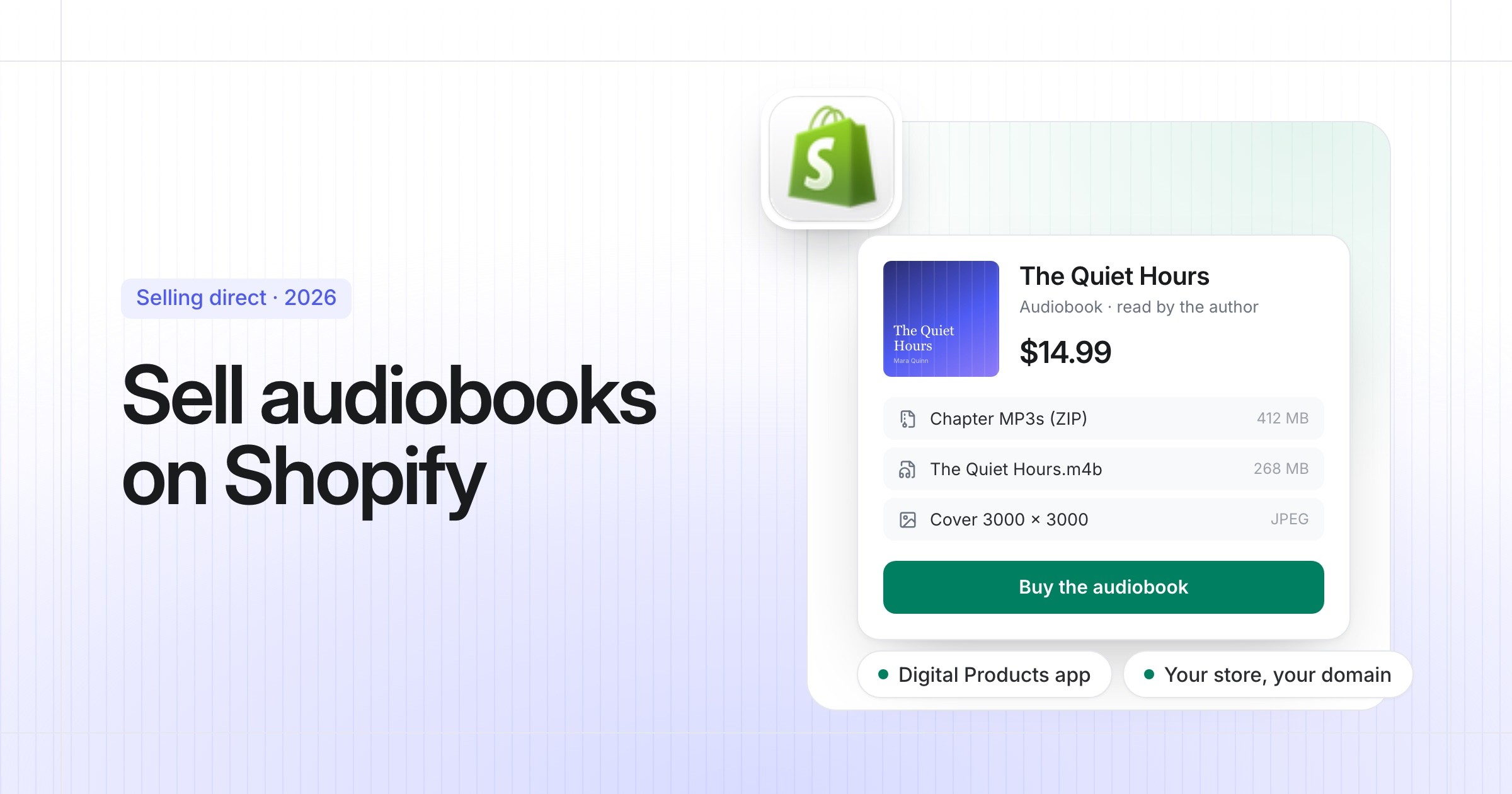
How to Sell Audiobooks on Shopify
Turn your Shopify store into an audiobook shop: the free Digital Products app, file limits, delivery, tax and the apps worth knowing.
Philip Ghezelbash··7 min read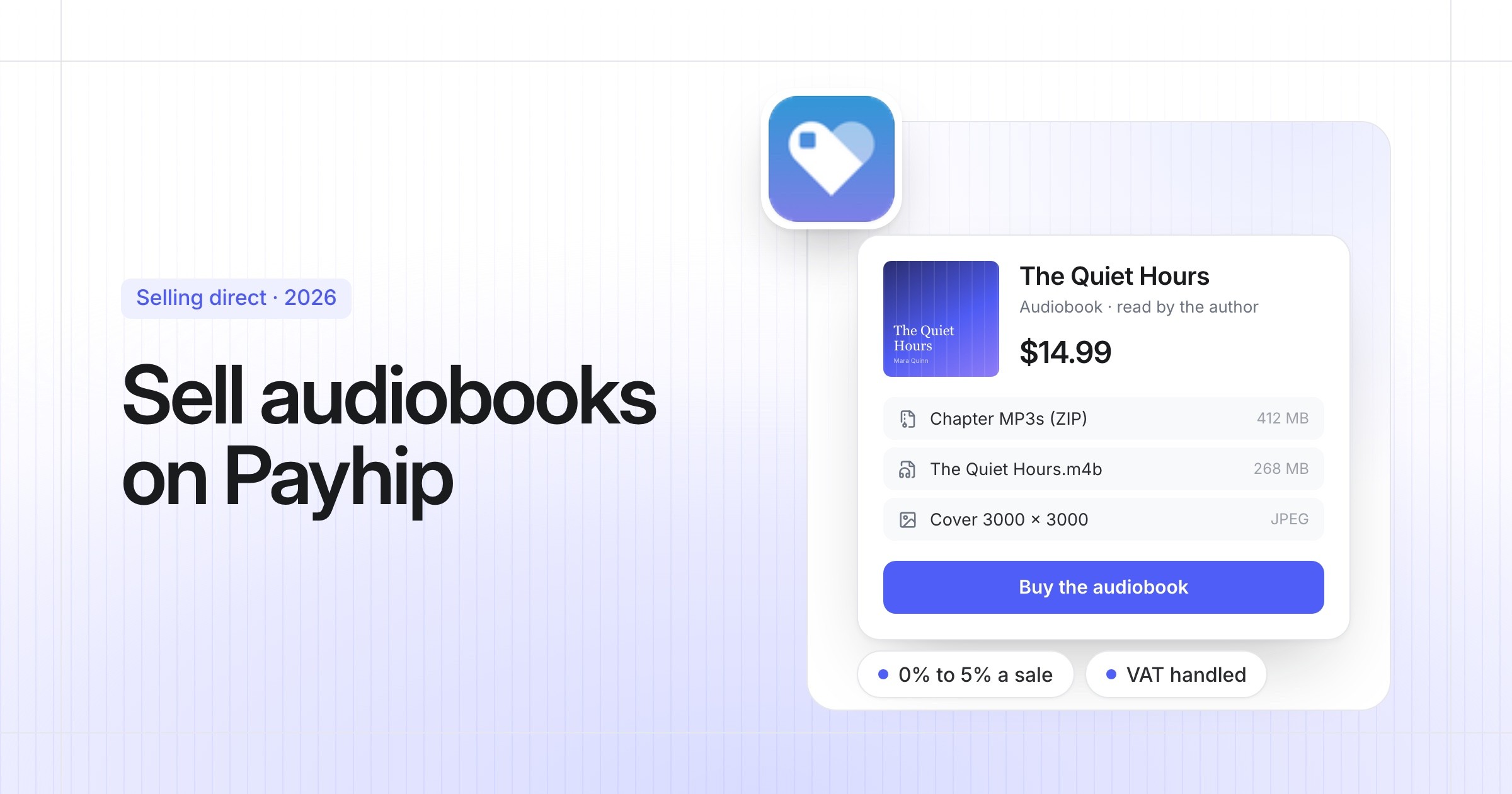
How to Sell Audiobooks on Payhip
A simple store for your audiobook with audio previews and tax handled: setup, files, pricing and fees, step by step.
Philip Ghezelbash··7 min read
How to Publish an Audiobook on Spotify
The free, non-exclusive way onto Spotify, step by step, with the file specs, how Spotify pays, and how AI narration works there.
Philip Ghezelbash··7 min read