How to Publish an Audiobook on Google Play
Selling audiobooks on Google Play step by step, who can sign up, the file specs, and how to label an AI narrator.

In this article
Google Play Books sells audiobooks on Android phones, the web and Google’s apps, in dozens of countries. To publish an audiobook on Google Play, open the Play Books Partner Center, choose Add book, then “Sell audiobook on Google Play”, fill in the details and narrator, upload your audio files and cover, set your prices, and publish. Google says your book will be live within 24 hours.
Google also accepts AI narration, as long as you label it. This guide covers who can sign up, each step, the file specs and how Google pays.
Who can sell audiobooks on Google Play?
Google’s Partner Center is open to many countries for ebooks, but selling audiobooks directly is more limited. Google says the program is “currently limited to select publishers” in 12 countries:
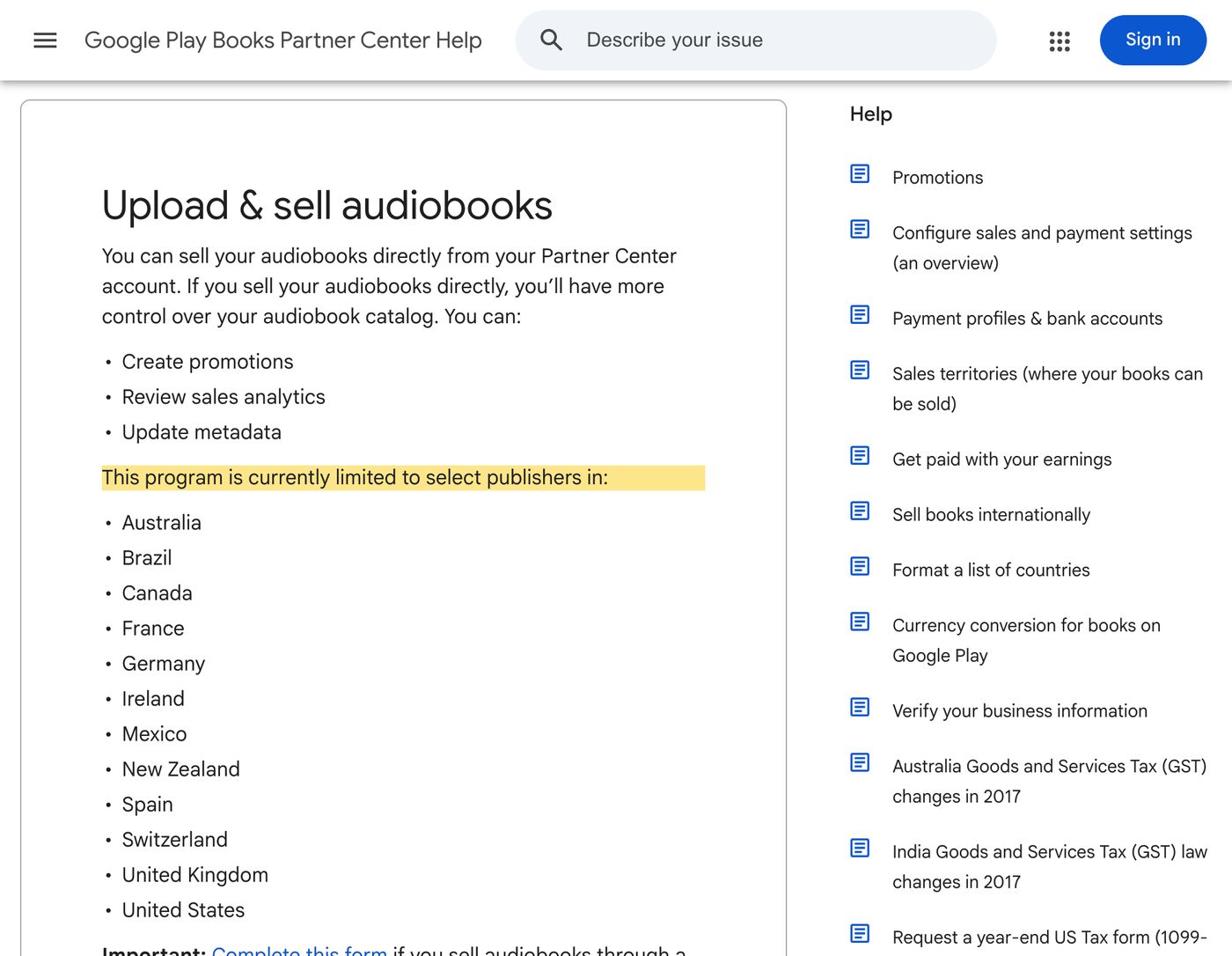
Australia, Brazil, Canada, France, Germany, Ireland, Mexico, New Zealand, Spain, Switzerland, the United Kingdom and the United States.
If you’re based in one of them, sign up, accept the audiobook terms, and add audiobook sales territories in the Payment Center. If you’re not, or Google doesn’t open audiobooks on your account, you can still reach Google Play through a distributor such as PublishDrive or Author’s Republic.
How to publish your audiobook on Google Play, step by step
1. Add your book
In the Partner Center, go to Book Catalog, click Add book, and choose Sell audiobook on Google Play. Enter an ISBN, or click “Get a Google book ID” if you don’t have one. You can’t change an ISBN once it’s saved.
2. Fill in the book details
On the Book info tab, add the title, description, language, length, genres (at least one, up to three recommended) and contributors. Audiobooks need a narrator.
3. Choose your narrator type
Google asks you to “select Human narrator or Synthesized voice”, and says: “If you upload an AI-generated audiobook, select Synthesized voice.” You can choose Synthesized voice unspecified, male, female, or based on a real actor.
4. Set your sample
On the Settings tab, choose how much of the book listeners can preview. The default is 10%, between 1 and 30 minutes.
5. Upload your audio and cover
On the Content tab, click Upload audio file. You can upload one file or many, drag them into order, and name your chapters. If you name one chapter, name them all.
6. Set your prices
On the Pricing tab, choose your currency, price and countries.
7. Publish
On the Review tab, click Publish. Google says the book “will be published within 24 hours”. Its status moves from Pending to Approved to Live, or to Disapproved if the audio doesn’t meet the requirements.
Google Play audiobook file specs
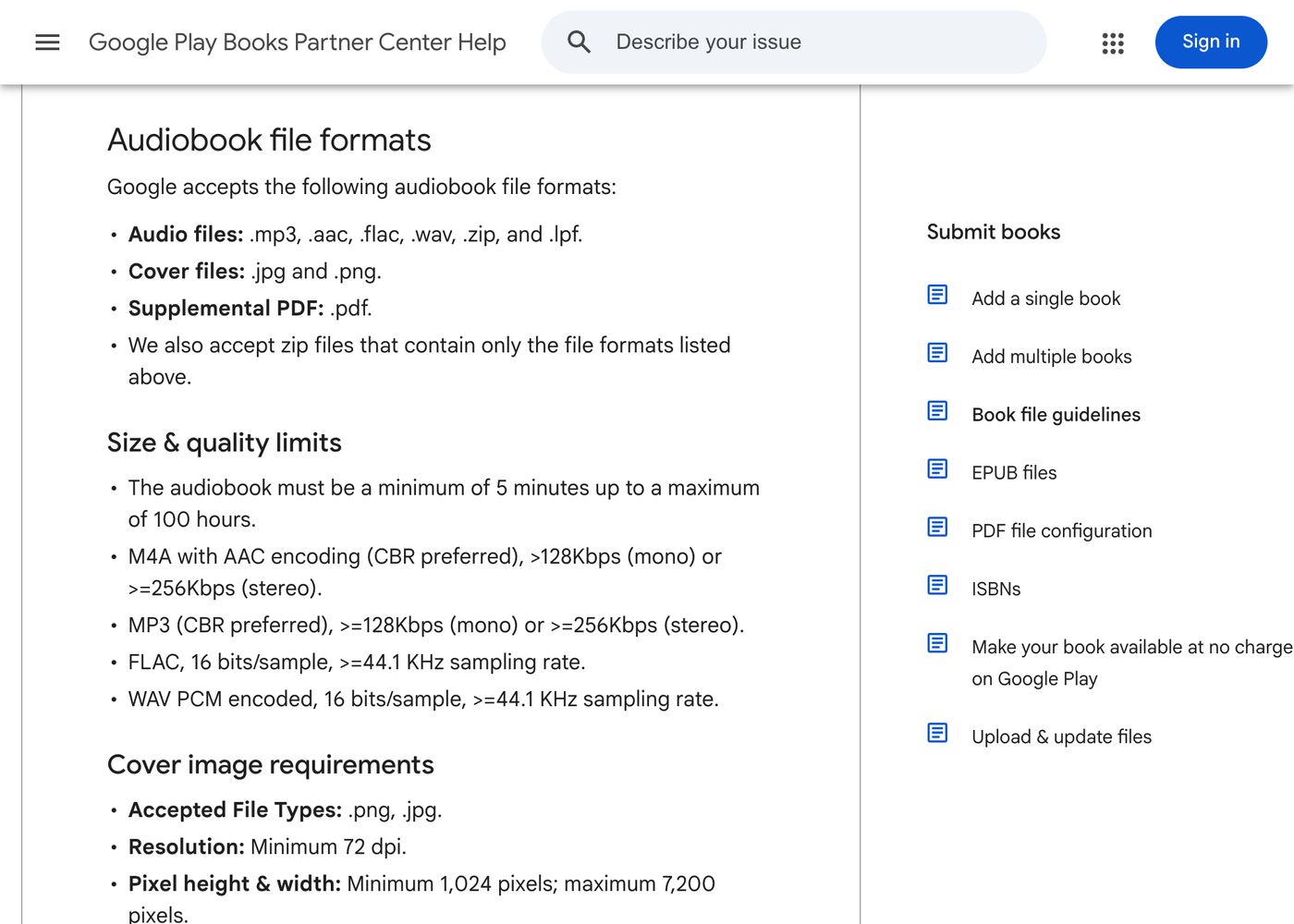
| What | Google’s requirement |
|---|---|
| Audio files | MP3, AAC (M4A), FLAC, WAV, or a ZIP containing only those |
| Quality | MP3 or AAC at 128 kbps or more for mono (256 for stereo), constant bit rate preferred; FLAC or WAV at 16-bit, 44.1 kHz |
| Length | 5 minutes to 100 hours |
| Cover | JPG or PNG, 1,024 to 7,200 px, square recommended |
| Extras | One PDF supplement under 100 MB |
Google recommends starting and ending each file with a little silence. It doesn’t publish a loudness spec, but files mastered to Audible’s standard will be fine.
Pricing and royalties on Google Play
Your price. You set a list price between $0.05 and $200, but Google treats it as a recommendation, and the final sale price can differ. Prices are converted into other currencies and rounded automatically.
Your share. Google pays you a share of the list price. For uploaded audiobooks, Google doesn’t publish one figure: you’ll find your share for each country in the Partner Center, under Effective prices. (For comparison, Google pays 52% on audiobooks made with its own auto-narration.)
Payments. Google pays monthly, around the 15th, for the previous month’s sales, by bank transfer from $1. You need a bank account in a supported country.
Refunds. Audiobook sales are final in most countries, unless the book doesn’t work as described.
AI narration on Google Play
Google accepts AI-narrated audiobooks when you label the narrator as Synthesized voice. Its content policy does ban “low-quality, unclear machine-read audio”, so listen to your whole audiobook before you upload it and fix anything that sounds off.
Google also makes its own AI audiobooks. Auto-narrated audiobooks turn an ebook you already sell on Google Play into audio for free, with 50+ voices in several languages, and pay a 52% revenue share. If you use them and sell the files elsewhere, Google asks that your Google Play price is never higher than on other stores.
Before you upload: a checklist
- A Partner Center account with audiobook terms accepted and audiobook sales territories added in the Payment Center.
- An identifier: your audiobook ISBN, or use a free Google book ID. Double-check an ISBN before saving it, because it can’t be changed.
- Your audio files in MP3, AAC, FLAC or WAV, at least 5 minutes in total and no more than 100 hours.
- A cover in JPG or PNG between 1,024 and 7,200 pixels. Make it square so Google doesn’t letterbox it.
- The book details: title, description, language, length, up to three genres, author and narrator.
- Your prices for each currency or country you want to sell in.
- A bank account in a supported country, and tax details if you sell in the US or in US dollars.
How to write your Google Play listing
Narrator. Google requires one for every audiobook. For AI narration, pick the Synthesized voice option that fits (unspecified, male, female, or based on a real actor). For a human narrator, choose Human narrator and type their name.
Description. Lead with the hook in the first two lines, because that’s often all a shopper reads. Then say who the book is for, the series and book number, and what makes it different.
Genres. Add at least one and up to three, as specific as you can. Google uses them to place your book in its store.
Chapters. If you name chapters in the Content tab, name every one, or Google will name them for you.
Pricing tips for Google Play
- Your list price is a starting point. Google can sell for less than your list price, and your share is worked out from the list price, so set the price you actually want.
- Check Effective prices before you publish. It shows what buyers will pay and what you’ll earn in each country after conversion and rounding.
- Keep prices in line with other stores. If you use Google’s auto-narration and sell the same files elsewhere, Google asks that your Google Play price is never higher than on other stores.
- Remember sales are final. Google only refunds audiobooks in limited cases, so buyers rely on your sample. Choose a strong one.
Troubleshooting
I don’t see “Sell audiobook on Google Play”. Your account may not be part of the audiobook program yet. Google limits direct audiobook selling to select publishers in 12 countries; if you’re not eligible, use a distributor that delivers to Google Play.
My audiobook was Disapproved. The audio didn’t meet Google’s requirements. Check the format, bitrate and length, re-upload, and publish again.
I can’t upload all my files at once. The Partner Center doesn’t take bulk audiobook uploads. Add the files in the Content tab, or set up automated fetch for large catalogues.
My files are named wrongly for a bulk upload. For uploads by fetch, Google expects names like ID_1of12.mp3. Other names add a delay of about 24 hours.
FAQ
How do I publish an audiobook on Google Play?
In the Play Books Partner Center, choose Add book, then “Sell audiobook on Google Play”. Fill in the details and narrator, upload your audio files and cover, set your prices, and click Publish. Google says it will be live within 24 hours.
Who can sell audiobooks on Google Play?
Google says direct audiobook selling is limited to select publishers in Australia, Brazil, Canada, France, Germany, Ireland, Mexico, New Zealand, Spain, Switzerland, the UK and the US. Others can reach Google Play through a distributor.
Does Google Play accept AI-narrated audiobooks?
Yes. Choose “Synthesized voice” as the narrator when you add the book. The audio must still be clear and good quality.
How much does Google Play pay for audiobooks?
You get a share of your list price, shown for each country under Effective prices in your account. Google’s auto-narrated audiobooks pay 52%.
Do I need an ISBN for Google Play?
No. You can use a free Google book ID instead.
What audio files does Google Play accept?
MP3, AAC, FLAC and WAV, or a ZIP of those. MP3 should be at least 128 kbps for mono, and the whole audiobook must be between 5 minutes and 100 hours.
Ready to publish?
Google Play is a good fit for AI-narrated audiobooks, with clear labeling rules and a quick review. Add it to the other places you can sell, and if you need store-ready files, our AI audiobook generator makes them, with your first chapter free.
Philip Ghezelbash is the founder of Audiobook Generator and the author of The Stoic Body, which has sold over 10,000 copies on Amazon. He writes about making, publishing and selling audiobooks.
Keep reading
How to Sell Audiobooks on Shopify
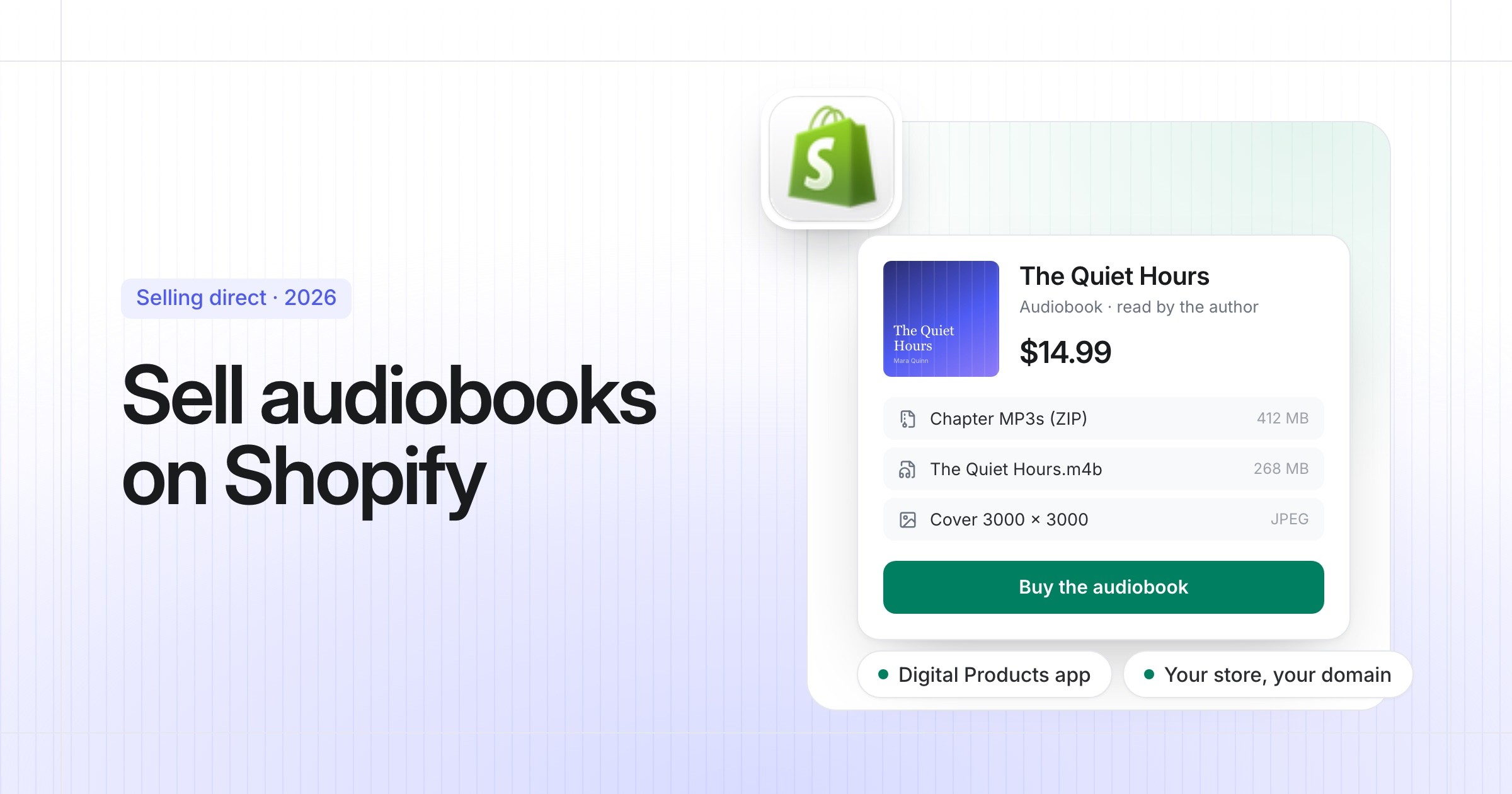
Turn your Shopify store into an audiobook shop: the free Digital Products app, file limits, delivery, tax and the apps worth knowing.
Philip Ghezelbash··7 min read
How to Sell Audiobooks on Payhip
A simple store for your audiobook with audio previews and tax handled: setup, files, pricing and fees, step by step.
Philip Ghezelbash··7 min read
How to Sell Audiobooks on Gumroad
Sell your audiobook straight to readers from a Gumroad page: setup, files, pricing, fees and tax, step by step.
Philip Ghezelbash··7 min read