How to Make an Audiobook with Music and Sound Effects
When music and sound effects help an audiobook, the rights you need, how to mix them under the narration, and the store rules to stay within.

In this article
Music and sound effects can turn an audiobook into something closer to a radio drama. They can also annoy listeners who just want the story. Done well, they’re subtle: a theme at the start, a sting between scenes, the sound of rain under a stormy chapter.
To make an audiobook with music and sound effects, narrate the book first, then add licensed music and effects in an audio editor on separate tracks, keep them well under the voice, and check the final mix still meets the stores’ loudness rules. Use them sparingly: Audible says listeners find music over narration distracting.
This guide covers where music and effects work, the rights you need, how to mix them step by step, and the store rules to stay within.
Should your audiobook have music and sound effects?
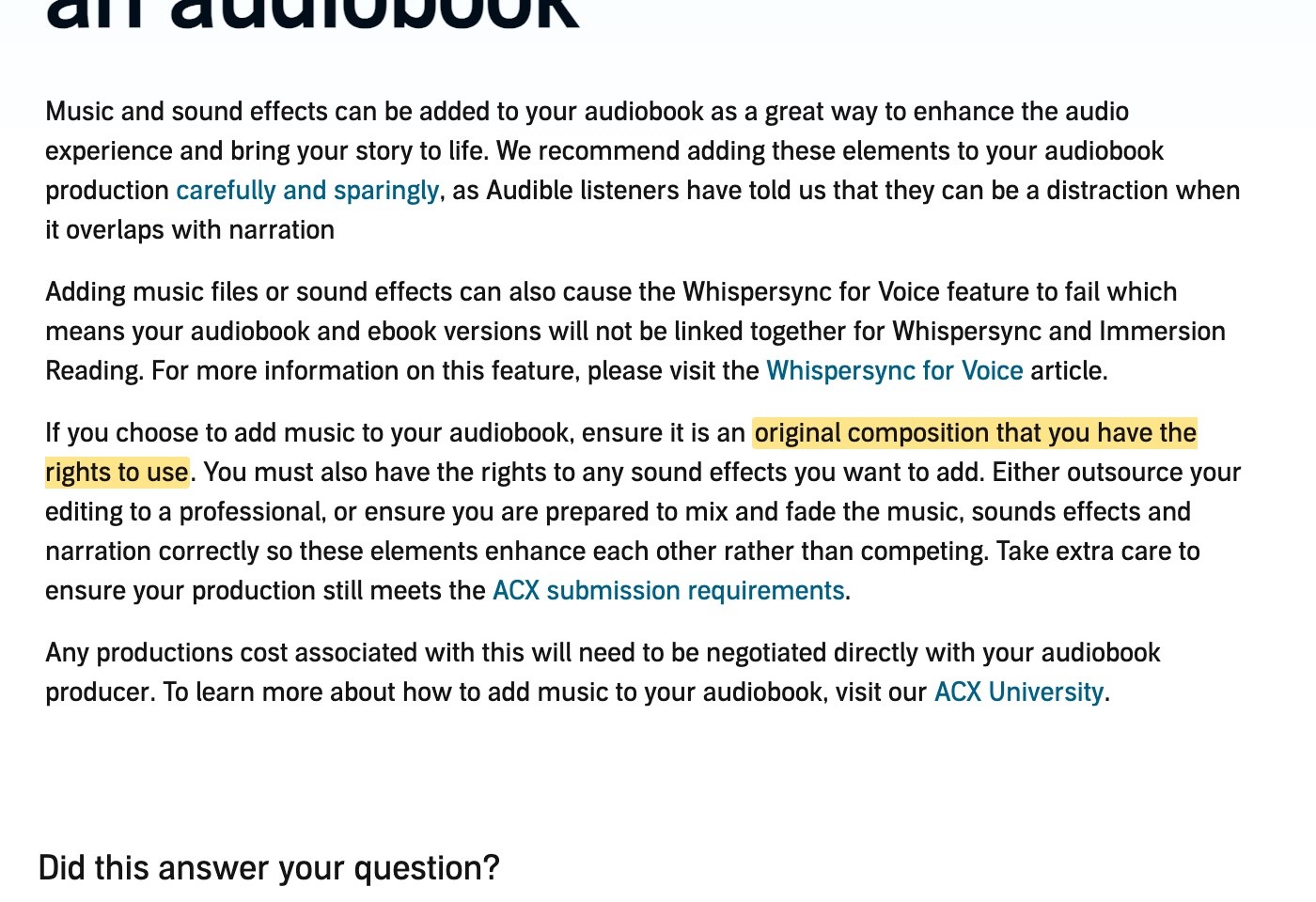
Most audiobooks don’t, and that’s fine. Audible’s production platform, ACX, recommends adding them “carefully and sparingly, as Audible listeners have told us that they can be a distraction when it overlaps with narration”.
There’s a technical cost too. ACX warns that music and effects can stop Whispersync for Voice working, the feature that links your Kindle ebook and audiobook, so readers lose the ability to switch between reading and listening.
Where music and effects help:
- Opening and closing credits. A short theme sets the mood and tells listeners the book is starting or ending.
- Between parts or scenes. A few seconds of music marks a change of time or place.
- Children’s books. Sounds and music keep younger listeners engaged.
- Dramatized and full-cast fiction. GraphicAudio, the best-known example, describes its productions as “Full Cast. Cinematic Music. Sound Effects.”

Where to leave them out:
- Under long stretches of narration.
- In most nonfiction, memoir and literary fiction.
- In the first five minutes, if it means a long musical intro. That’s the sample most stores play to shoppers.
The rules: rights and store requirements
You need the rights to everything
ACX is clear: “If you choose to add music to your audiobook, ensure it is an original composition that you have the rights to use. You must also have the rights to any sound effects you want to add.”
That rules out commercial songs. It also means checking the licence of any “royalty-free” library, because many only cover video:
| Library | Covers audiobooks? |
|---|---|
| Pixabay Music | Yes, as background or intro and outro music, as long as the music isn’t offered on its own (Pixabay’s FAQ) |
| Artlist | Only on its Max Business plan, which lists audiobooks (Artlist licence) |
| Epidemic Sound | Its creator licence covers video and podcasts, not audiobooks. Ask them before you use it |
| YouTube Audio Library | Made for YouTube videos. Don’t use it for audiobooks |
| Eleven Music (ElevenLabs) | Commercial use on paid plans, but its terms don’t mention audiobooks. Check first |
Licences change, so read the current terms of whatever you use and keep a copy. The safest options are music you commission or compose yourself, with a written licence.
Your files still have to pass the stores’ checks
Adding music doesn’t change the technical rules. ACX’s requirements still apply to the finished mix, and they include a line on music: “You can add music to the credits, but make sure it doesn’t obscure the narration.”
The full ACX spec for every file:
- Loudness: between −23 dB and −18 dB RMS.
- Peaks: no higher than −3 dB.
- Noise floor: no higher than −60 dB RMS.
- Room tone: 1 to 5 seconds of silence at the end of each file.
- Format: MP3, 192 kbps or more, constant bit rate, 44.1 kHz, all mono or all stereo.
Other stores have no specific music rules, but their technical specs still apply. Our guide to audiobook file formats has every store’s specs.
How to add music and sound effects, step by step
1. Narrate the book first
Get the narration finished and checked before you add anything. Music is mixed under the voice, so any change to the narration later means mixing again.
If you use AI narration, export each chapter as a file. An AI audiobook generator like Audiobook Generator gives you an MP3 per chapter, with the credits as separate files, which you then take into an audio editor. It doesn’t add music or effects itself.
2. Gather your music and effects
Choose a small set and reuse it: one theme for the credits, one short sting for scene breaks, and a few effects at most. A consistent sound makes the book feel produced. Keep a note of where each one came from and its licence.
3. Set up tracks in an audio editor
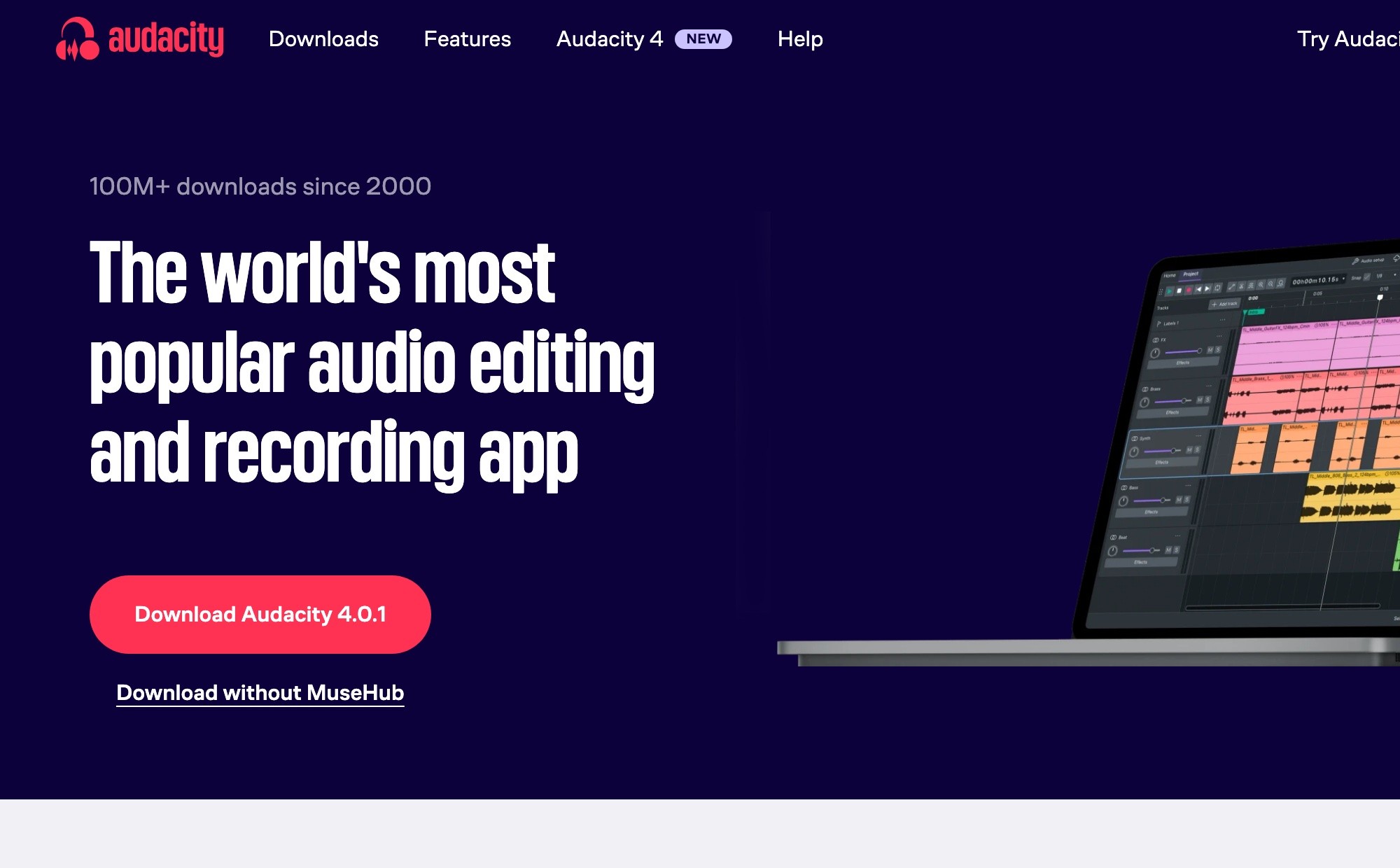
Use a free editor like Audacity, or a paid one like Reaper. Import the narration for one chapter, then put music and effects on separate tracks below it. Keeping them separate means you can move or change each one without touching the voice.
4. Keep the music under the voice
Music under narration should sit well below it, so every word stays clear. Two ways to do it in Audacity:
- Envelopes. With the Envelope Tool, draw the music down just before the narration starts and back up when it stops. Audacity’s manual suggests a control point “a second or so before the first narration clip begins”.
- Auto Duck. This lowers the music automatically whenever the voice is playing. By default it drops the music by 12 dB whenever the narration is louder than −30 dB.
Auto Duck permanently changes the music track, so keep a copy of the original.
5. Place sound effects carefully
Put effects in the gaps, not on top of words. A door closing goes between sentences, not under one. Keep them short and quieter than you think: a listener on headphones hears every detail.
6. Check the loudness and export
Music adds energy, so a mixed file can end up too loud or peak too high. Before you export:
- Make sure no peak goes above −3 dB.
- Bring the whole file into ACX’s −23 to −18 dB RMS range. Audacity’s Loudness Normalization effect can target RMS directly (its default of −20 dB sits inside ACX’s range).
- Check there’s room tone at the start and end.
- Export as MP3, 192 kbps, constant bit rate, 44.1 kHz. Use stereo if your music is stereo, and make every file the same.
7. Listen on headphones and a speaker
Play the whole chapter on headphones and on a phone speaker. If you strain to hear any word, the music is too loud.
Can AI add music and sound effects?
Some tools can generate them:
- ElevenLabs can generate sound effects (up to 30 seconds each) and music, and its Studio lets you place them as clips on a timeline. Its newer voices also accept inline tags like [applause]. Sound effects aren’t included when you publish to its ElevenReader app.
- Google, Apple, Amazon and Spotify’s AI narration tools don’t add music or effects.
Even with AI-generated audio, the same rules apply: check the licence covers audiobooks, keep it under the voice, and use it sparingly.
Music, effects and multiple voices
Music and effects work best with a cast of voices, because together they make a book feel like a production. If you’re going that way, see our guide to creating audiobook character voices with AI.
FAQ
Can audiobooks have music?
Yes, but sparingly. ACX allows music, especially in the credits, as long as you own the rights and it doesn’t obscure the narration.
Does Audible allow sound effects?
Yes, if you hold the rights to them and the audio still meets ACX’s requirements. ACX recommends using them sparingly, and warns they can stop Whispersync for Voice working.
Where can I get music for an audiobook?
Commission it, compose it, or use a library whose licence covers audiobooks, such as Pixabay Music or Artlist’s Max Business plan. Many libraries only cover video.
How loud should background music be in an audiobook?
Well below the voice: every word should be easy to hear. Ducking the music by around 12 dB under narration is a good starting point.
Does adding music change the file specs?
No. The finished files still need to meet the store’s rules: on ACX, −23 to −18 dB RMS, peaks below −3 dB, and MP3 at 192 kbps.
Ready to start with the narration?
Music comes last. Upload your manuscript, get your chapters narrated, and export them ready for mixing.
Philip Ghezelbash is the founder of Audiobook Generator and the author of The Stoic Body, which has sold over 10,000 copies on Amazon. He writes about making, publishing and selling audiobooks.
Keep reading

How to Prepare Your Manuscript for AI Narration
What to change in your manuscript before an AI voice reads it, from numbers and abbreviations to footnotes, tables and chapter headings.
Philip Ghezelbash··7 min read
How to Fix AI Audiobook Mispronunciations
Why AI voices mispronounce words, how to find every mistake, and how to fix it once for the whole book in each of the main tools.
Philip Ghezelbash··6 min read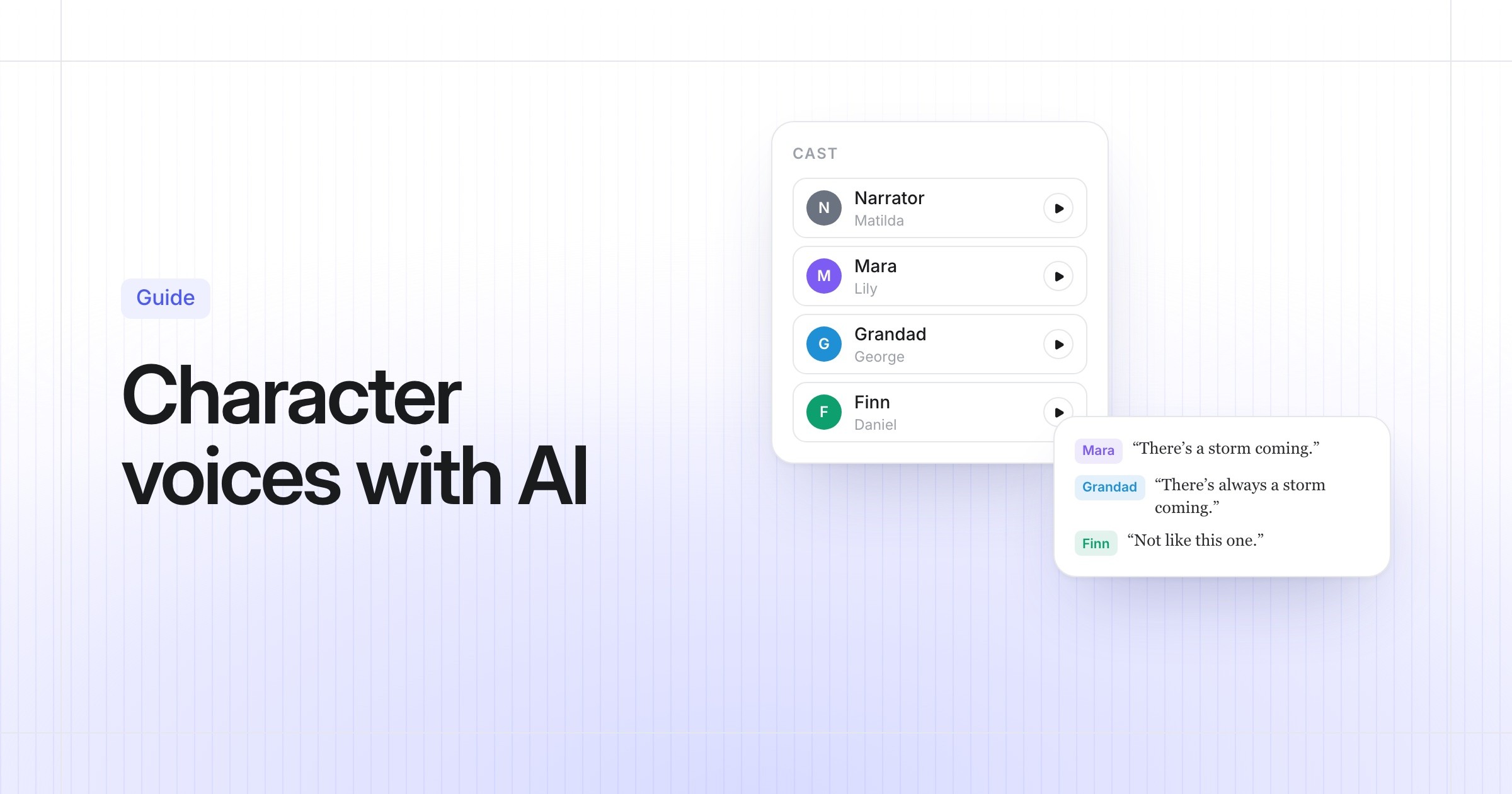
How to Create Audiobook Character Voices with AI
How AI gives each character their own voice, how to cast your book so it sounds right, and what each tool and store allows.
Philip Ghezelbash··6 min read