How to Prepare Your Manuscript for AI Narration
What to change in your manuscript before an AI voice reads it, from numbers and abbreviations to footnotes, tables and chapter headings.

In this article
A human narrator reads your book with judgement. They know “Dr. Hale” is a doctor, skip the footnote numbers, and don’t read a table out cell by cell. An AI voice reads what’s on the page, so a little preparation makes a big difference.
To prepare a manuscript for AI narration, finalise the text, cut what only works on paper (footnotes, tables, image references), write numbers and abbreviations the way they should be said, mark each chapter with a clear heading, and list any names the voice might get wrong.
This guide walks through each step, with advice from Google, Amazon, Apple and ElevenLabs on what their AI voices struggle with, and a checklist at the end.
1. Finalise the text
Narration is the last step, not a draft. Fixing a typo in an ebook takes seconds; in an audiobook it means narrating the line again and checking it fits. Use your final, proofread manuscript, the same one as your ebook or print edition.
Apple’s digital narration guide says the same from the other side: books need good “file quality” to be accepted, and even then some “may not pass synthesis”. Clean text gets a better reading from every AI voice.
2. Decide what gets read
Not everything in a book belongs in the audio. As a rule:
| Read it | Leave it out |
|---|---|
| Title page (as the opening credits) | Copyright page |
| Dedication and epigraph | Table of contents |
| Foreword, preface and introduction | Index |
| Every chapter | Footnote and endnote numbers |
| Afterword and author’s note | Image captions and alt text |
| Acknowledgements (optional) | “Also by” lists with links |
ACX, Audible’s production platform, says it doesn’t recommend including the table of contents in the audiobook. Listeners navigate by chapter instead.
If a foreword is by someone else, Google suggests saying who wrote it at the start of the section, so listeners know the voice is speaking for someone new.
3. Mark every chapter clearly
AI tools split your book into chapters using its headings, so make them consistent:
- Use your word processor’s Heading 1 style for chapter titles. ElevenLabs splits EPUBs where each chapter heading is formatted as Heading 1, and Kindle’s Virtual Voice needs a proper table of contents to find chapters.
- Put chapter titles in text, not images. Amazon says chapter names saved as images aren’t read.
- Keep part titles (“Part One”) separate from chapter titles, so they don’t end up as tiny chapters of their own.
Every audio file should start with its chapter title. ACX requires each file to “include the section header”.
4. Remove what only works on the page
Listeners can’t see a table, a chart or a footnote. Google’s advice for its own AI narration is simple: “Edit or remove references to charts, diagrams, tables, and long lists.”
- Footnotes: fold any important ones into the text and delete the rest. Amazon suggests formatting footnote numbers as superscript so its narration skips them.
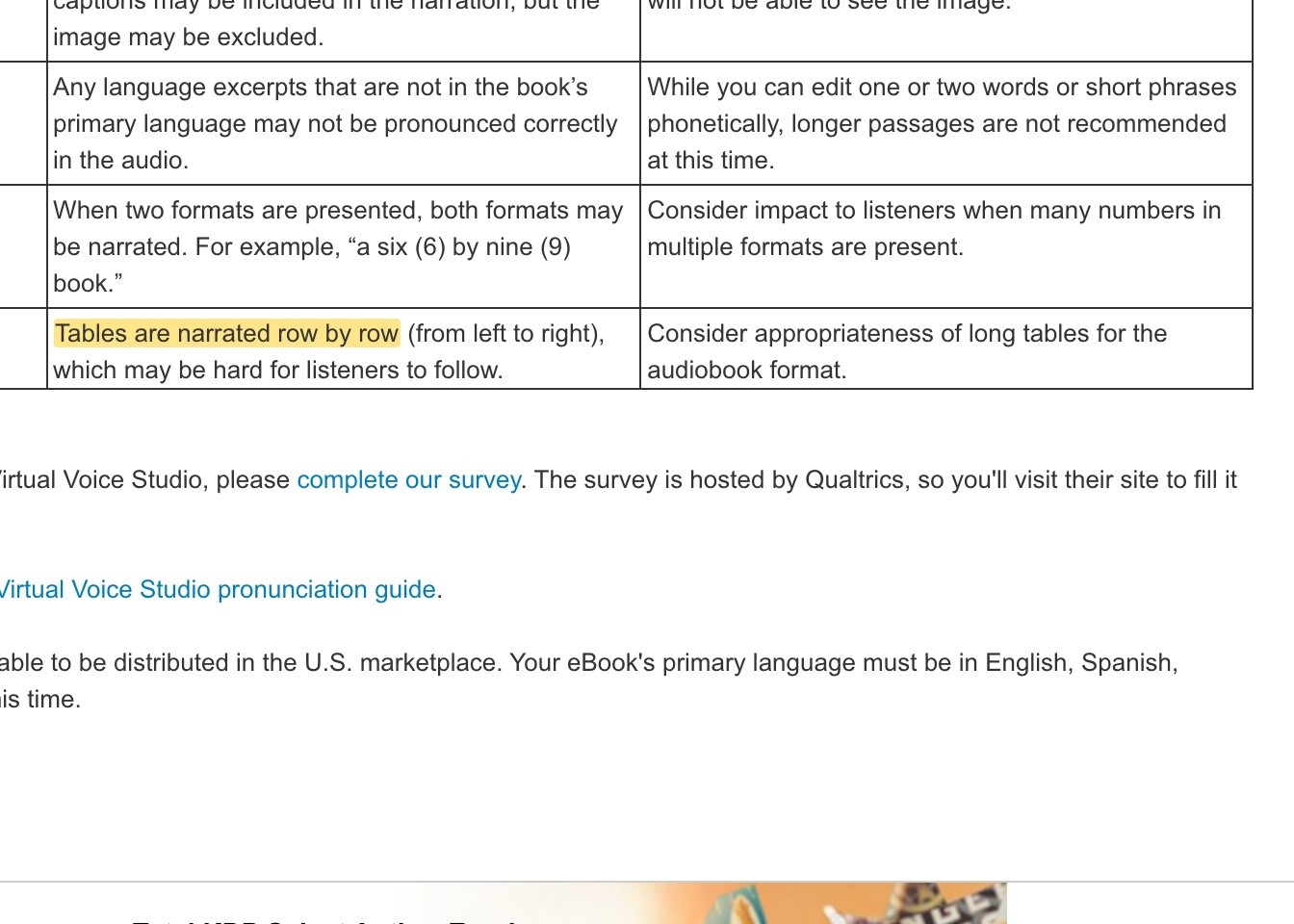
- Tables: turn short tables into a sentence or two. Amazon warns that tables are read row by row, from left to right, which listeners find hard to follow.
- Charts and images: describe what matters in a sentence, or cut the reference. Amazon reads image captions even though it skips the image itself.
- “See below”, “page 42”, “click here”: reword them. “As the chart shows” becomes “The numbers show”.
- Long lists: keep them short, or turn them into a paragraph.
5. Write numbers the way they’re said
Numbers are the most common AI narration mistake, because the same digits can be read many ways. Is “1984” a year or a number? Is “3/4” a fraction or a date?
Some AI models handle this better than others. ElevenLabs gives an example: its Multilingual v2 model reads “$1,000,000” as “one million dollars”, while its faster Flash model reads it as “one thousand thousand dollars”.
Write out anything that could be read the wrong way:
| On the page | Could be read as | Write it as |
|---|---|---|
| 1984 (a quantity) | nineteen eighty-four | one thousand nine hundred and eighty-four |
| 3/4 | three slash four, March 4th | three quarters |
| $1.2M | one point two M dollars | 1.2 million dollars |
| 10:30 | ten thirty, ten colon thirty | half past ten |
| Henry VIII | Henry V I I I | Henry the Eighth |
| 2nd | two N D | second |
Amazon’s own pronunciation guide makes the same point: write out dates (“January first”), fractions (“one quarter”) and Roman numerals, which “may not be recognized as numbers”.
6. Spell out abbreviations and symbols
- Abbreviations: “Dr.” can be Doctor or Drive, “St.” can be Saint or Street. Write them in full where it matters. Google’s examples include “Wm.” for William and “Cwt” for hundredweight.
- Acronyms: an AI voice may say “NASA” as a word (right) but also “FBI” as a word (wrong). Note the ones you use for the pronunciation step.
- Symbols: Google says special characters “need to be replaced by writing the name of the symbol”. Write “percent”, “and” or “at” instead of %, & or @.
- Web addresses: shorten them, or say “visit my website, linked in the description”.
- Scripture and references: Google suggests “Isaiah Chapter 3, Verse 9” instead of “Isaiah 3:9”.
7. Check punctuation and pauses
AI voices use punctuation to pace the reading, so it’s worth a check:
- Commas and full stops set the rhythm. Google says “good punctuation improves the narration”.
- Paragraph breaks add a pause, so break up very long paragraphs. Amazon adds a pause at every paragraph and new line.
- Dashes and ellipses add short pauses, but inconsistently. Don’t rely on them for timing.
- Emphasis spellings like “Sooo good” or “Awweessoommee!” confuse AI voices. Google asks for them to be replaced. Italics aren’t read either, so rephrase if the emphasis matters.
8. Make dialogue clear
If you’ll use different voices for your characters, the AI has to know who’s speaking. Clear dialogue tags help: ElevenLabs says “explicit dialogue tags yield more predictable results than relying solely on context”. In long exchanges, add a “she said” every few lines.
That’s also what lets an AI audiobook generator find each character’s lines and give them their own voice. Our guide to creating character voices with AI covers casting.
Watch out for square brackets too. Some newer AI voices use them for directions like [whispers] or [laughs], so an editor’s note in brackets may be treated as a direction instead of being read.
9. List the tricky words
Go through your book and note every name, place, invented word, foreign phrase and technical term an AI might get wrong. ACX recommends the same list for human narrators, especially for science fiction, fantasy and LitRPG.
You’ll use this list in the next step: telling the AI how to say each word, once, for the whole book. Our guide to fixing AI audiobook mispronunciations shows how.
10. Add opening and closing credits
Most stores expect them. The opening credits give the title, author and narrator (say the narration is AI). The closing credits say “The end” and anything you want listeners to hear last, such as where to find your other books.
Your manuscript checklist
- Final, proofread text, the same as your ebook
- Copyright page, contents and index removed
- Every chapter title set as Heading 1, in text
- Footnote numbers removed, important notes folded into the text
- Tables, charts and image captions rewritten or removed
- “See below” and page references reworded
- Numbers, dates and Roman numerals written as said
- Abbreviations and symbols written out
- Dialogue clearly tagged
- A list of names and tricky words
- Opening and closing credits written
Which file to use
Most AI narration tools take Word, EPUB or PDF. EPUB and Word keep your headings, which makes chapters easier to find. PDF works too, but page numbers and running heads can slip into the text, so check the result. We have pages for turning a Word document, EPUB or PDF into an audiobook.
FAQ
Do I need to change my manuscript for AI narration?
A little. Most fiction needs only small changes: numbers, abbreviations and chapter headings. Nonfiction with tables, charts and footnotes needs more.
Should the table of contents be read in an audiobook?
No. ACX recommends leaving it out, because listeners move between chapters in their app.
How do I stop an AI voice reading footnotes?
Remove the footnote numbers, and fold anything important into the text. Some tools, like Google’s auto-narration, skip footnotes by default.
Can an AI voice read tables?
It can, but badly: Amazon’s Virtual Voice reads them row by row. Turn tables into sentences.
What file format is best for AI narration?
EPUB or Word, because they keep chapter headings. PDF works, but check for page numbers and headers in the text.
Ready to hear your book?
Once your manuscript is ready, the rest is quick. Upload it, check the chapters, and narrate your first chapter free.
Philip Ghezelbash is the founder of Audiobook Generator and the author of The Stoic Body, which has sold over 10,000 copies on Amazon. He writes about making, publishing and selling audiobooks.
Keep reading

How to Make an Audiobook with Music and Sound Effects
When music and sound effects help an audiobook, the rights you need, how to mix them under the narration, and the store rules to stay within.
Philip Ghezelbash··6 min read
How to Fix AI Audiobook Mispronunciations
Why AI voices mispronounce words, how to find every mistake, and how to fix it once for the whole book in each of the main tools.
Philip Ghezelbash··6 min read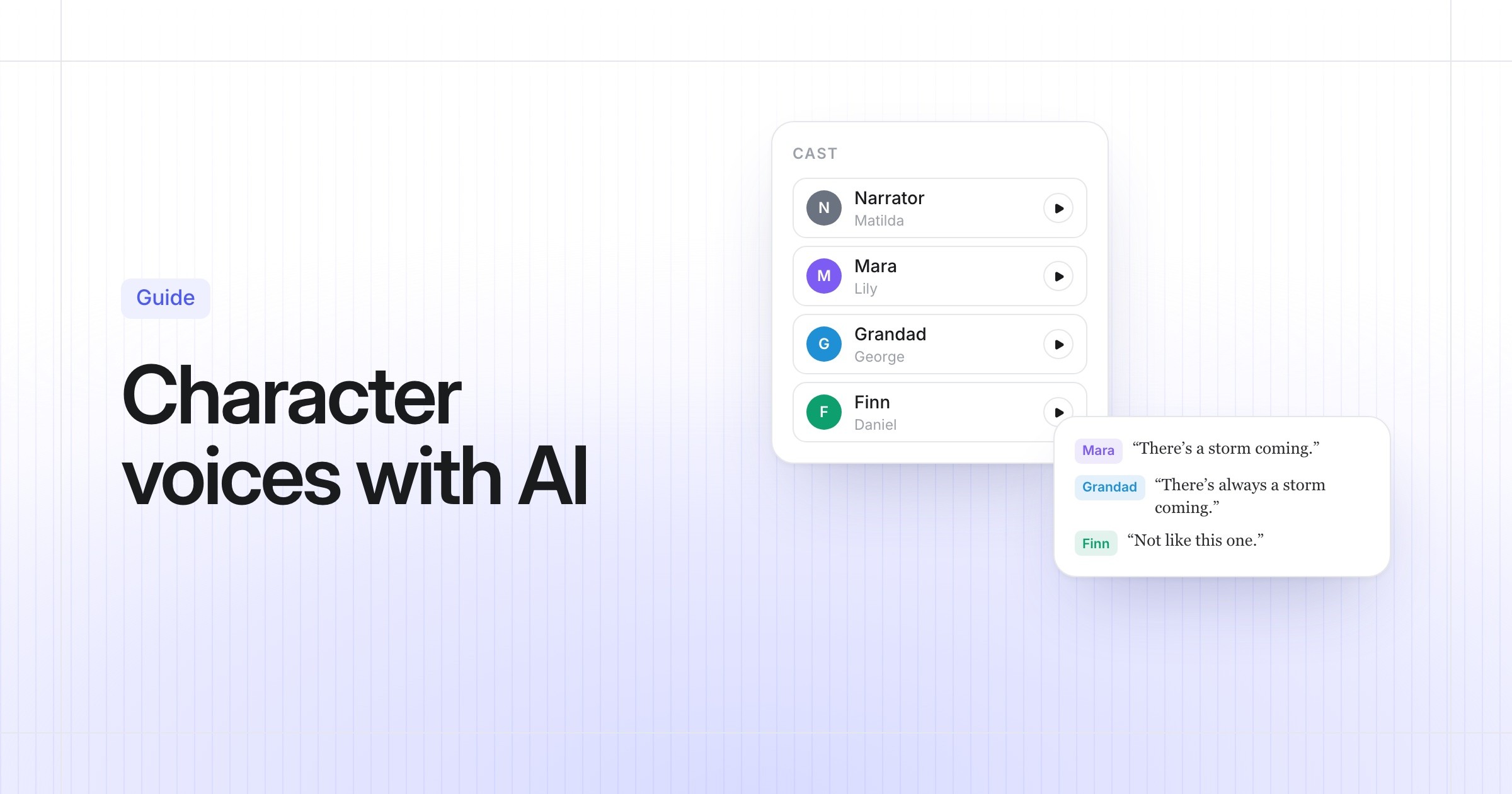
How to Create Audiobook Character Voices with AI
How AI gives each character their own voice, how to cast your book so it sounds right, and what each tool and store allows.
Philip Ghezelbash··6 min read